A 3D printer is basically a small oven that moves. It holds a heating element at 200 °C or more for hours on end, sits on your desk next to a pile of plastic filament, and draws serious current through wires that get hot, flex, and age. That’s why 3D printer fire safety deserves a proper think before your next overnight print — not a panicked one after something smells wrong. The good news: house fires started by 3D printers are rare, and almost every one of them traces back to a handful of preventable causes. Get these right and your printer becomes about as risky as a toaster.
How real is the fire risk, honestly?
Millions of hobby printers run every day without incident, but maker forums still turn up melted connectors, scorched print beds, and the occasional garage fire. The pattern is almost always the same: something in the heating or wiring chain failed, and nobody noticed until it was too late.
A 3D printer keeps three fire ingredients together for hours: heat (a hotend at 200–300 °C and a heated bed at 60–110 °C, running for 10, 20, even 40 hours), fuel (plastic filament, plus the cardboard boxes and curtains most of us keep too close), and electrical faults (loose terminals, ageing wiring, underrated power supplies, firmware missing safety checks).
Long prints raise the stakes simply because the machine runs while you’re asleep or at work. None of this means fearing your printer — it means setting it up like the heating appliance it is: sound wiring, working safety features, a smoke alarm nearby, and a plan.
Thermal runaway: the number-one 3D printer fire safety issue
Thermal runaway is the scenario every 3D printer fire safety discussion starts with, and for good reason. Here’s what happens. The printer’s firmware controls the hotend temperature by reading a small sensor called a thermistor and switching the heater cartridge on and off to hold the target temperature. If the thermistor comes loose, falls out of the heater block, or its wire breaks, it starts reporting the temperature of the surrounding air — say 25 °C — while the actual heater block keeps getting hotter.
The firmware thinks “we’re below target, keep heating” and pours full power into the heater indefinitely. The block can climb past 400 °C, melt the aluminium, ignite nearby plastic and wiring, and set fire to whatever is close by. The scariest part? Everything looks normal on the screen. The displayed temperature sits happily at 25 °C while the real one climbs toward ignition.
This is exactly the failure that thermal runaway protection exists to catch. When enabled, the firmware watches the temperature response: if it commands the heater on but the temperature doesn’t rise as expected within a set time, it assumes something is wrong, kills the heaters, and halts with an error. It also watches the reverse — temperature drifting too far from target for too long triggers a shutdown. It is the single most important safety feature in your printer’s firmware.
Here’s the uncomfortable bit: some budget printers have shipped with this protection disabled in stock firmware, and second-hand or custom-flashed machines may have it off too. You cannot just assume it’s on. Check it.
How to check thermal runaway protection is actually enabled
On printers running Marlin firmware — which covers a huge chunk of the hobby market — thermal runaway protection is a configuration option in the firmware source, and in current Marlin versions it’s enabled by default. But “enabled by default” only helps if your printer’s firmware was actually built from a recent, unmodified configuration.
To verify it, look at the Configuration.h file used to build your firmware:
- Search for
THERMAL_PROTECTION_HOTENDSandTHERMAL_PROTECTION_BED. - Each should appear as
#define THERMAL_PROTECTION_HOTENDS— with no//in front of it. If the line starts with//, it’s commented out and the protection is off. - Current Marlin also includes protection defines for a heated chamber and coolers, which should be enabled if your printer has them.
If your printer runs stock firmware from a reputable brand and you’ve never reflashed it, you’re most likely fine — but “most likely” isn’t a safety check. If you bought the printer used or it’s an older budget machine, the safest move is flashing a current Marlin build (or the manufacturer’s latest firmware) with thermal protection confirmed on. Our Klipper firmware guide covers the alternative firmware path, and Klipper has its own heater sanity checks worth enabling too.
One more habit: run a PID tune (M303 in Marlin) after any hardware change, and don’t ignore repeated “heating failed” or “thermal runaway” errors — that’s the protection doing its job. If it keeps tripping, something in your heater or thermistor wiring needs attention. Don’t just disable the check to make the error go away.
3D Printer Fire Safety: Wiring, Connectors and Power Supply Checks
After thermal runaway, bad wiring is the next biggest cause of printer fires. The heated bed draws the most current of anything in the printer — often 10 amps or more — and high current plus a loose connection equals heat. Screw terminals on the mainboard work loose over time from vibration and thermal cycling. A terminal that’s slightly loose develops resistance, the resistance makes heat, the heat loosens the terminal further, and eventually the plastic connector housing melts.
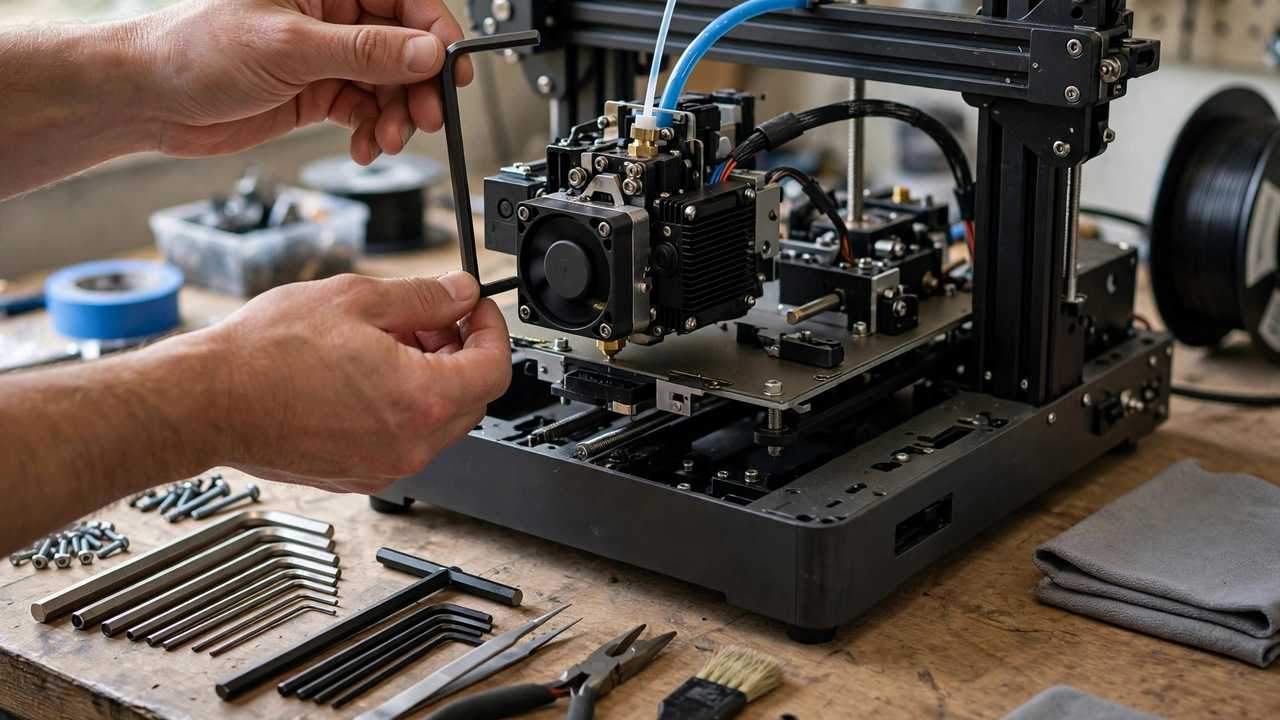
Make this a routine, not a one-off. Power off and unplug the printer, then gently tug each wire at the mainboard terminals and bed connections — anything that moves gets re-seated and re-tightened. Discoloured or browned plastic around a terminal means heat damage: replace that connector. Check bed wiring for cracked insulation or fraying where the loom flexes, and replace it at the first sign of damage. Don’t cheap out on the PSU either — use a reputable branded supply (Mean Well is the community go-to) rated above your printer’s draw with airflow around it, plugged into a single outlet or a quality board with overload protection, never a daisy chain of double adapters.
For high-current heated beds, an external MOSFET board is a popular safety upgrade: it takes the heavy bed current off the mainboard’s small terminals and switches it through a beefy external transistor instead. It doesn’t replace good wiring, but it moves the hottest electrical connection away from the mainboard. A printer that’s mechanically sound is a safer printer, which is also why basics like a properly levelled bed matter — fewer failed prints means fewer hours of unattended heating for no reason.
Never leave a printer running overnight without 3D printer fire safety basics covered — thermal runaway protection, a smoke alarm and a camera.
Smoke alarms: placement matters as much as having one
A smoke alarm won’t stop a fire, but it’s the difference between a ruined print and a ruined house. The printer’s room needs its own working alarm — not just the hallway outside. Fire and Rescue NSW recommends interconnected smoke alarms wherever possible: if one goes off, they all sound. Their guidance is alarms in all bedrooms and living spaces, tested monthly, with the whole unit replaced every 10 years (sealed 10-year lithium battery models make this painless).
Mount the alarm on the ceiling near the printer — smoke rises, and an alarm directly over the machine trips earliest. In a dusty garage or shed, consider a heat alarm instead: it triggers on rapid temperature rise rather than particles, so workshop dust won’t set it off. Alarm rules vary between states and territories, so check your own state fire service’s current requirements and treat them as the minimum.
Fire extinguishers: dry powder or CO2 — never water
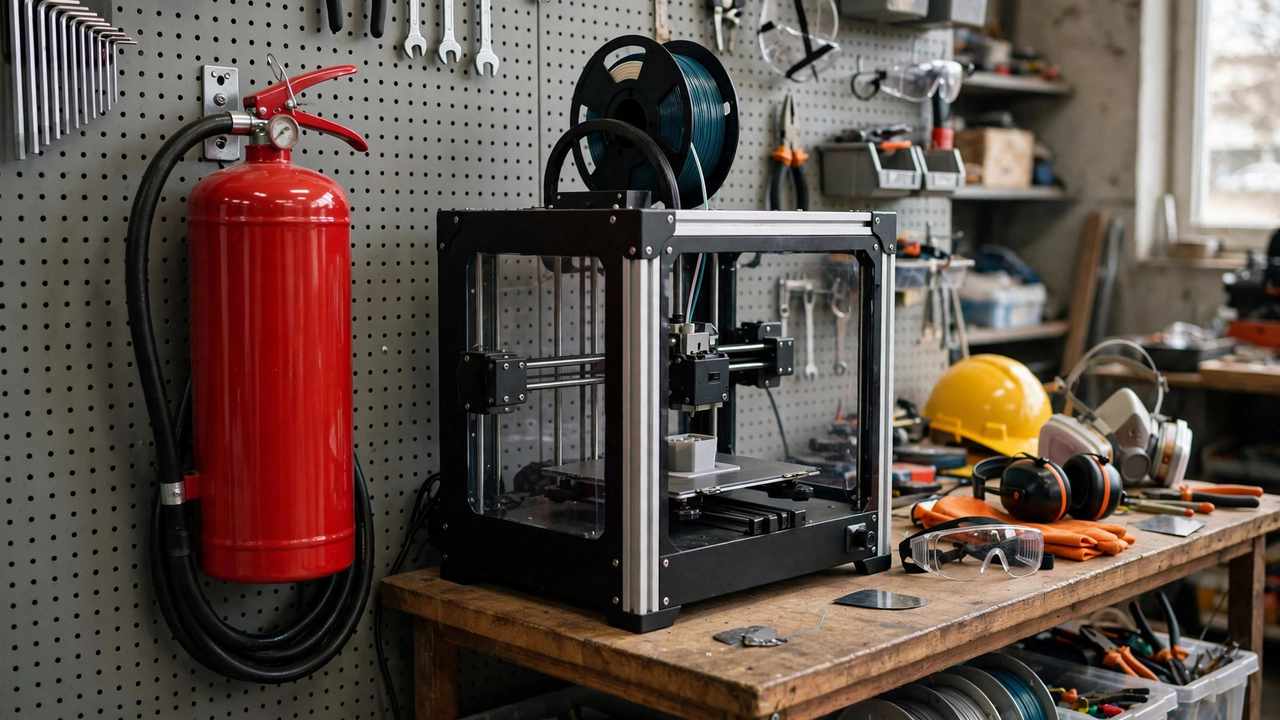
Keep a fire extinguisher within reach of the printer, not in the next room behind a closed door. For a 3D printer fire you want one of two types:
- Dry chemical powder (ABE type) — the red extinguisher most Aussie homes already have. Effective on electrical fires, cheap, and widely available at Bunnings and auto stores. The powder makes a shocking mess of electronics, but a mess beats a house fire.
- CO2 — leaves no residue, so it’s kinder to equipment, but it’s more expensive, heavier for its rating, and the discharge horn gets cold enough to burn skin. Better suited to a dedicated workshop than a spare bedroom.
What you must never do is throw water on an electrical fire. Water conducts electricity — you risk electrocution, and on burning plastic it can make things dramatically worse. Say this out loud to everyone in the house, because “grab water” is most people’s instinct.
Be honest about scale too: an extinguisher is for a small fire you’ve caught early. If the printer is properly alight or the room is filling with smoke — get out, close the door behind you, and call Triple Zero (000). No print is worth your lungs.
Smart plugs, enclosures and watching prints remotely
The classic safety advice is “never leave a 3D printer unattended” — good advice, but a 30-hour print makes it impractical for anyone with a job. The realistic compromise is remote monitoring plus remote kill:
- A smart plug with energy monitoring lets you see the printer’s power draw on your phone and cut power remotely. If your camera shows spaghetti and the power graph looks wrong, kill the print from the train. Choose one rated for the full current draw.
- A camera on the printer — even a cheap USB webcam — means you can glance at the print during the day. Many modern printers have one built in.
- OctoPrint gives you temperature graphs, not just video. A hotend climbing past its target is something a camera alone won’t catch. Our OctoPrint setup guide walks through getting it running on a Raspberry Pi.
Enclosures help too, but choose the material with fire in mind: an aluminium-frame enclosure with proper panels beats a fabric cover — and some cheap fabric enclosures are themselves flammable, which defeats the purpose. Make sure nothing flammable is stored inside it.
So where does that leave the “never leave it unattended” rule? Treat it as a sliding scale. A two-hour PLA print while you’re home and awake is a different proposition from a 40-hour ABS print started before a weekend away. Out for the day? Confirm the first layer, then rely on camera plus smart plug, a working smoke alarm in the room, and nothing flammable near the machine. Away for days? Don’t start the print — reschedule it.
None of these layers is complicated or expensive. A smoke alarm, a $30 smart plug, five minutes checking terminals every few months, and firmware with its safety features switched on — that’s the whole kit.
Frequently Asked Questions
Can a 3D printer really catch fire?
Yes, though it’s uncommon. Documented fires almost always come down to thermal runaway with protection disabled, loose high-current wiring, or failed power supplies — all preventable. A well-maintained printer with thermal protection enabled, sound wiring, and a smoke alarm nearby is about as risky as any other heating appliance in your home.
What is thermal runaway protection?
It’s a firmware safety feature that watches whether the hotend and bed temperatures behave as expected. If the heater is commanded on but the temperature doesn’t rise properly — for example because the thermistor has fallen out — the firmware shuts the heaters down and halts the printer instead of heating forever. In Marlin firmware it’s controlled by the THERMAL_PROTECTION_HOTENDS and THERMAL_PROTECTION_BED settings in Configuration.h.
Is it safe to leave a 3D printer running overnight?
It’s the most common way people print, and also the riskiest time for a fire to go unnoticed. If you print overnight, confirm thermal runaway protection is enabled, check your wiring periodically, keep the printer’s room fitted with a working smoke alarm, and consider a camera plus a smart plug so you can check in and kill power if something looks wrong.
What type of fire extinguisher should I keep near my 3D printer?
An ABE dry chemical powder extinguisher is the practical choice for most home workshops — effective on electrical fires and readily available. A CO2 extinguisher is a cleaner alternative that leaves no residue but costs more. Never use water on an electrical fire.
Do I need a special smoke alarm for my 3D printer room?
A standard photoelectric smoke alarm mounted on the ceiling near the printer is ideal for most indoor setups. In dusty garages or sheds, a heat alarm (which triggers on rapid temperature rise) avoids false alarms from dust. Fire and Rescue NSW recommends interconnected alarms so one triggering sets them all off.
Are enclosed 3D printers safer than open ones?
Generally yes, provided the enclosure itself is made of fire-resistant materials. An enclosure contains heat, reduces the chance of something flammable contacting the hotend, and keeps draughts away. Avoid flammable fabric covers; aluminium-frame enclosures with proper panels are the safer choice.