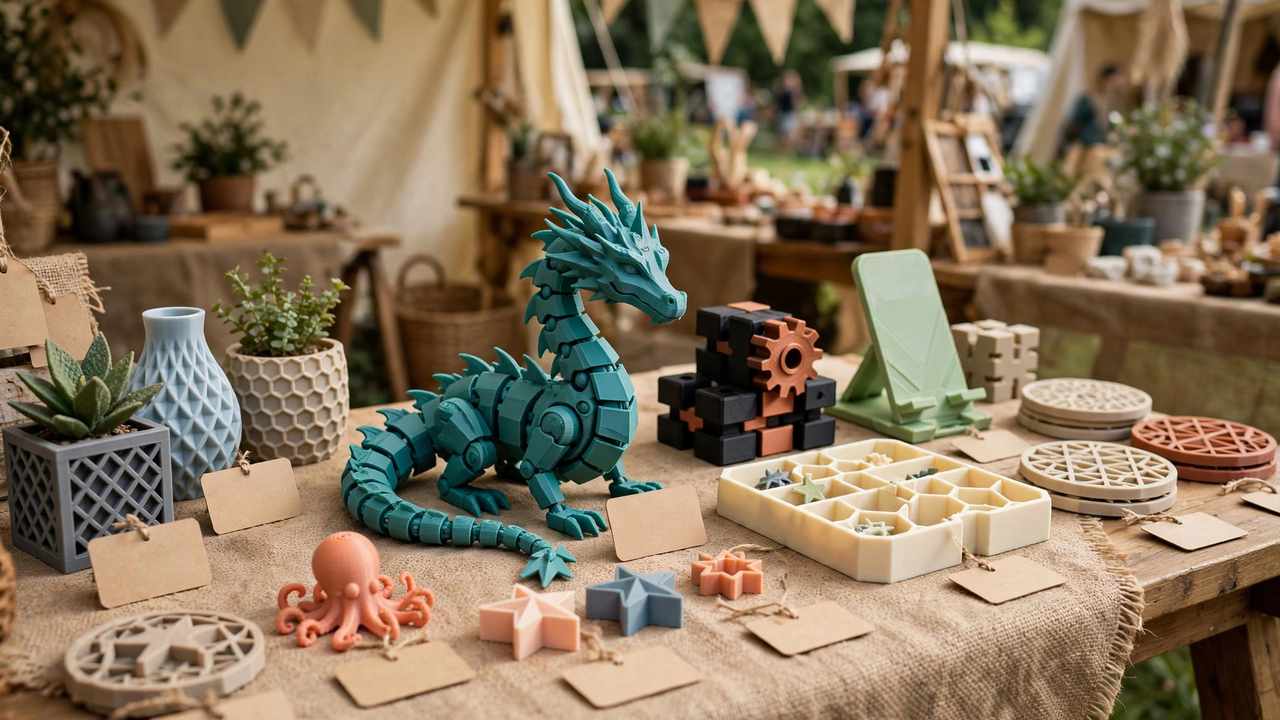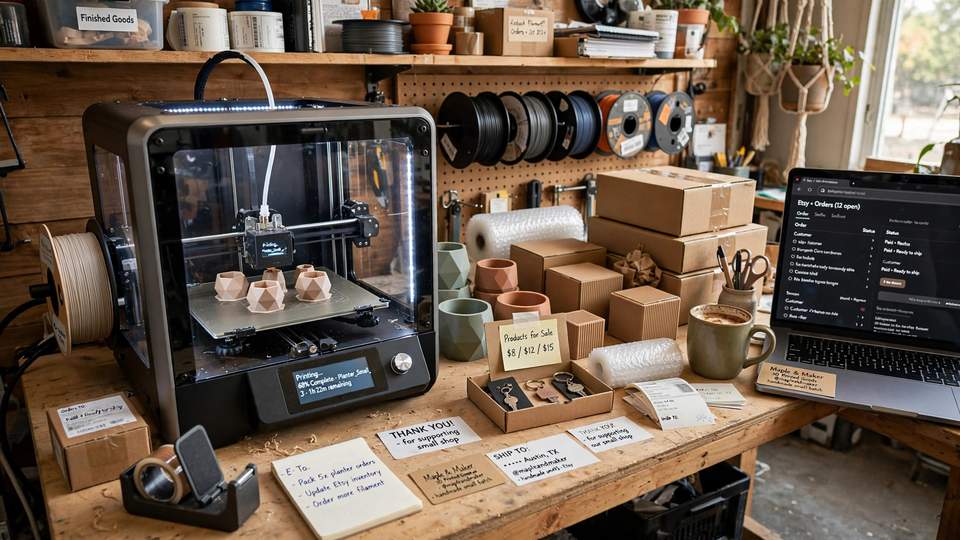
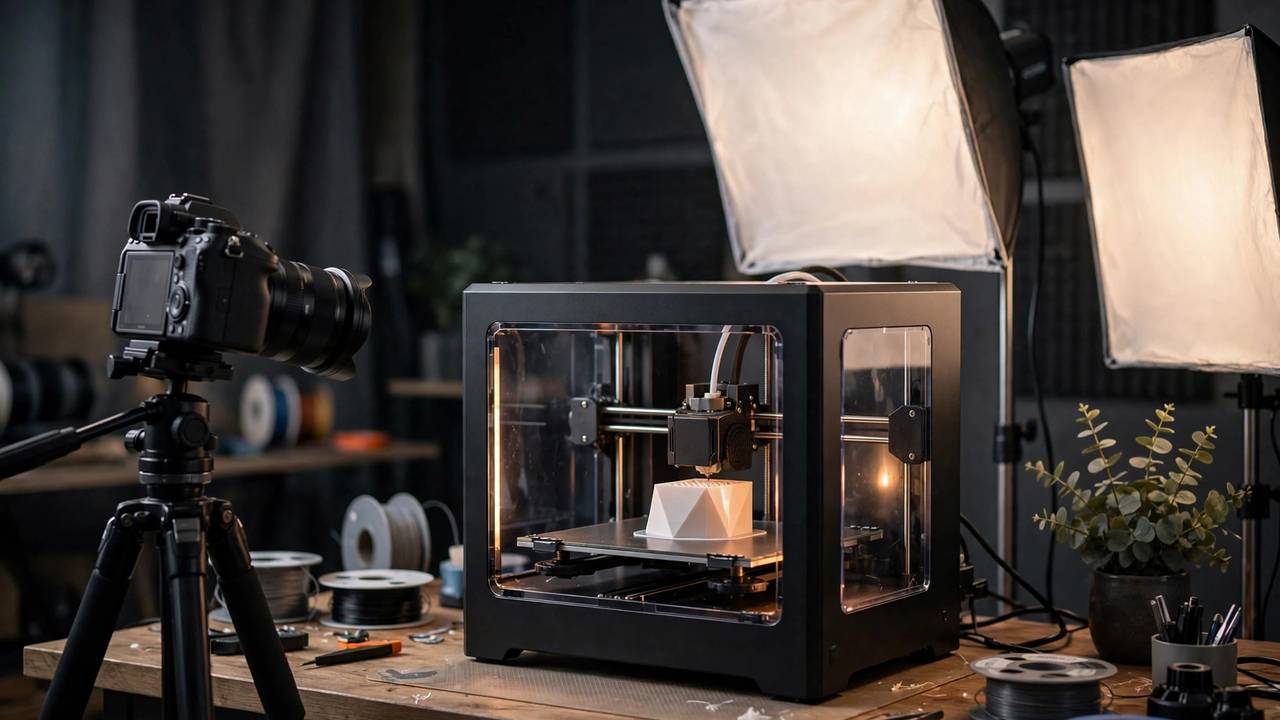
If you want to start 3D printing YouTube channel content in 2026, begin with one clear niche.
Starting a 3D printing YouTube channel is one of the most rewarding things a maker can do. Your prints stop gathering dust on a shelf and start teaching or inspiring people on the other side of the world. You do not need an expensive camera or a studio to begin — a phone, decent lighting and a clear angle are enough to publish your first video this week.
Start 3D Printing YouTube Channel: Why It Works in 2026
3D printing is visual by nature, which makes it a natural fit for video. A timelapse of a 12-hour print compressed into 40 seconds is endlessly watchable. A review that shows a printer’s actual flaws in 4K is worth a hundred spec sheets. And the audience keeps growing: every Christmas and EOFY sale puts thousands of new printers into Australian homes, and every one of those new owners goes straight to YouTube with questions.
There is also a practical payoff. A channel forces you to learn faster — explaining something on camera exposes every gap in your understanding. It connects you with the local maker community, it can become a genuine side income, and it gives your printing a purpose beyond the shelf. The barrier to entry has never been lower.
Start 3D Printing YouTube Channel: Finding Your Angle
The biggest mistake new maker channels make is trying to be everything at once. Pick one lane and own it for your first 20 videos. The proven formats in 3D printing YouTube are:
- Reviews: unboxings, first prints, honest verdicts. High search demand — “printer X review” is one of the most-searched phrases in the hobby. Requires buying or borrowing new machines.
- Tutorials: slicer settings, troubleshooting, design skills. Slower growth, but evergreen — a good troubleshooting video earns views for years.
- Timelapses: beautiful prints growing out of the bed. Great for Shorts and discovery, weaker for watch time on their own. Best paired with commentary.
- Fails and experiments: “I printed X for 100 hours”, stress tests, absurd ideas. High entertainment value, strong shareability.
- Project builds: designing and printing something real over several episodes. Builds a loyal audience that comes back for the next part.
You can branch out later — every big maker channel did. But the first 20 videos should make it obvious what a new viewer is subscribing for. If you are still learning the craft yourself, lean into that: “beginner learns 3D printing” is a genuinely compelling arc, and your early mistakes become content instead of embarrassment.
What makes Aussie maker channels different
Australian creators have a built-in advantage: local relevance. Filament prices, shipping times, where to buy machines, Australian consumer law on faulty printers — none of the big US channels cover this. A review that says “I bought this from a Melbourne supplier for $X AUD and it arrived in three days” is immediately more useful to an Australian viewer than a US creator quoting USD prices and Amazon links. Lean into it: mention AUD pricing, local retailers, and the realities of getting parts shipped to Perth or regional Queensland.
Consistency beats gear when you start 3D printing YouTube channel uploads — aim for one video a week.
Gear on a Budget: Your Phone Is Enough
Here is the honest gear list for starting a 3D printing YouTube channel:
- Camera: your phone. A modern phone shoots 4K video that is more than good enough for YouTube. Do not buy a camera before your 20th video.
- Tripod: a cheap phone tripod or gorilla-style flexible tripod, roughly $20–40 AUD. Shaky handheld footage is the fastest way to lose viewers.
- Lighting: this matters more than the camera. A basic LED panel or even a well-placed desk lamp transforms footage. Print near a window during the day for free, beautiful light.
- Audio: a $30–50 AUD lavalier microphone that plugs into your phone is the single best upgrade you can make. Viewers forgive average video; they do not forgive bad audio.
- Editing software: DaVinci Resolve (free, professional-grade) or CapCut (free, simpler). Both run on modest computers. Learn cuts, captions and basic colour correction — that is 90% of what you need.
Total startup cost: well under $100 AUD if you already own a phone. Spend money only when a specific limitation is hurting your videos — muffled voiceovers, shaky footage, unwatchable night prints. Gear never fixed a boring video.
Timelapses are the secret weapon once you start 3D printing YouTube channel content.
Filming Prints: Timelapses That Get Clicks
The signature shot of 3D printing YouTube is the stabilised timelapse: the print growing out of the bed while the hotend politely moves out of frame for every photo. The standard way to make these is OctoLapse, a free plugin for OctoPrint — the open-source print server software that runs on a Raspberry Pi connected to your printer via USB.
OctoLapse works by moving the print bed and extruder into position before taking each snapshot, so every frame is crisp and the hotend never blocks the view. Snapshots can trigger at each layer change, at height intervals, or on a timer, and the plugin stitches them into a finished video file you can download. It requires OctoPrint 1.3.9 or higher, and the official plugin page has a getting-started guide worth reading before your first attempt.
A few practical filming tips beyond the plugin:
- Light the print, not the room. A single LED panel aimed at the build plate beats overhead room lighting every time.
- Clean your build plate and background. Viewers notice clutter. A plain backdrop — a white sheet, a clean wall — makes prints pop.
- Film the failures too. Spaghetti, layer shifts and detached prints are content. Some of the most-watched maker videos are glorious disasters.
- Shoot B-roll of everything. Hands loading filament, close-ups of layer lines, the finished part in use. You will thank yourself in the edit.
- Keep the camera still. Lock the tripod, frame the shot, and let the print do the moving.
If you are still getting your printer dialled in, our Anycubic Kobra 2 Pro setup guide will get your machine printing reliably before you point a camera at it — nothing kills a filming schedule like a printer that will not finish a print.
Titles and Thumbnails: The 80/20 of Growth
You can make a brilliant video that nobody watches if the packaging is weak. On YouTube, the title and thumbnail do the selling; the video does the keeping. For a small 3D printing channel, a few rules cover most of it:
- Promise one clear thing. “I Printed a Working Engine in 48 Hours” beats “3D printing project part 7”. The viewer should know exactly what they get.
- Thumbnails need three elements max. A clear image of the print, three or fewer words, and a readable expression or arrow. If it is unreadable at phone-screen size, it fails.
- Use search-friendly titles for tutorials. “How to Fix Stringing in Cura” will be found for years. “My printer is being weird again” will not.
- Numbers and specifics win. “5 Cura Settings That Halved My Print Time” outperforms “Cura tips and tricks”.
- Do not lie. Clickbait thumbnails get clicks and destroy retention. YouTube promotes videos people finish, not videos people click.
Spend as long on the title and thumbnail as you think is reasonable, then spend longer. Most small channels underinvest here by a factor of five.
Consistency: The Schedule That Actually Works
YouTube rewards consistency, but “consistency” does not mean daily uploads. It means a schedule you can sustain for a year. For a maker channel run alongside a job, one video per week is the sweet spot — frequent enough for the algorithm to learn your audience, sustainable enough that you do not burn out by March.
Batch your work. Film two or three prints in a weekend, edit across the week, and keep a backlog of one finished video so a bad week does not break your streak. Timelapses help here: a printer running overnight generates footage while you sleep.
Expect the first 10–20 videos to perform badly. That is normal, not a verdict. YouTube needs data to figure out who likes your videos, and you need reps to get good on camera. The channels that make it are the ones still uploading at video 30.
Aussie Maker YouTubers Worth Studying
Study the channels that already do this well — not to copy them, but to learn the craft. When you watch a maker video you enjoy, watch like a creator: why did the title work, what kept you watching past minute two, how did they light that shot? Every video you enjoy is a free lesson. Take notes, steal structures (not content), and adapt what works to your angle and your gear.
Realistic Expectations: Growth and Money
Let us be honest about the numbers. A new 3D printing channel might get 50–200 views per video for the first few months. Reaching the YouTube Partner Program thresholds — 1,000 subscribers and 4,000 watch hours in 12 months — typically takes most maker channels somewhere between one and two years of consistent weekly uploads. Some do it faster with a breakout video; most do not.
Ad revenue on maker content is modest — a few dollars per thousand views, varying by season and audience. The real money in maker YouTube comes from elsewhere:
- Affiliate links: printers, filament and tools you genuinely recommend. Disclose them; Australian viewers respect honesty.
- Sponsorships: filament companies and printer brands sponsor small channels once you have an engaged audience, not just a big one.
- Digital products: your own 3D models, slicer profiles, or design courses.
- The channel as a portfolio: video skills and an audience open doors to freelance and industry work.
Treat money as a year-two problem. Year one is about reps, audience and craft. If you start for the money, you will quit before the money arrives.
Your 30-Day Starter Plan
Enough theory. Here is a concrete first month:
- Days 1–3: pick your lane (reviews, tutorials, timelapses, experiments, builds). Write down 10 video ideas in that lane. If you cannot reach 10, the lane is wrong.
- Days 4–7: set up your filming corner — tripod position, lighting, clean background. Install OctoPrint and OctoLapse if you want timelapses. Record a 2-minute test video and watch it critically.
- Days 8–14: film and edit video #1. Keep it under 10 minutes. Spend real time on the title and thumbnail. Publish it, imperfections and all.
- Days 15–21: publish video #2, applying everything video #1 taught you. Start a simple spreadsheet: title, thumbnail idea, views at 7 days, what you would change.
- Days 22–30: publish videos #3 and #4. By now you have a workflow, a filming setup that works, and actual data on what your tiny audience responds to.
Four videos in 30 days, each better than the last. That is a better start than 90% of channels ever manage.
Content Ideas to Steal
Stuck for ideas after the starter plan? The hobby is an endless content generator:
- Print the same model on different printers and compare — viewers love head-to-heads. Our budget printer roundup is a good starting point for machines to feature.
- Design something in free software and document the whole process — pairs well with our guide to 3D modelling software for 3D printing.
- Test a wild claim: “Can you 3D print a replacement car part?” (we have looked at 3D printed car parts — spoiler: sometimes yes).
- Timelapse a genuinely long print — 48+ hours — and narrate what you learned.
- Review a filament brand available in Australia with AUD pricing and local shipping times.
- Fix a common problem on camera, start to finish, no cuts to hide the struggle.
FAQ: Starting a 3D Printing YouTube Channel
Do I need an expensive camera to start a 3D printing YouTube channel?
No. A modern phone shoots 4K video that is more than good enough. Spend your first $100 on a tripod, lighting and a lavalier microphone instead — audio and lighting quality matter far more than camera specs.
What is the best video format for a new maker channel?
Pick one lane for your first 20 videos: reviews, tutorials, timelapses, experiments or project builds. Tutorials are the most evergreen; reviews have the highest search demand. Consistency in one format beats variety early on.
How do I make those smooth 3D printing timelapses?
Use OctoLapse, a free plugin for OctoPrint. It moves the hotend out of frame before each snapshot, producing the stabilised “print growing from the bed” effect. You need OctoPrint 1.3.9 or higher running on a Raspberry Pi connected to your printer.
How often should I upload?
One video per week is the sweet spot for a channel run alongside a job — frequent enough for YouTube’s algorithm, sustainable enough to maintain for a year. Batch filming and editing to protect your schedule.
How long until a 3D printing channel makes money?
Realistically, reaching YouTube Partner Program thresholds (1,000 subscribers, 4,000 watch hours) takes most maker channels one to two years of consistent uploads. Treat ad revenue as a year-two outcome; focus year one on craft and audience.
Should I target Australian viewers specifically?
Yes — it is your edge. AUD pricing, local retailers, Australian shipping realities and local consumer law are things big US channels never cover, and Australian viewers actively search for them.