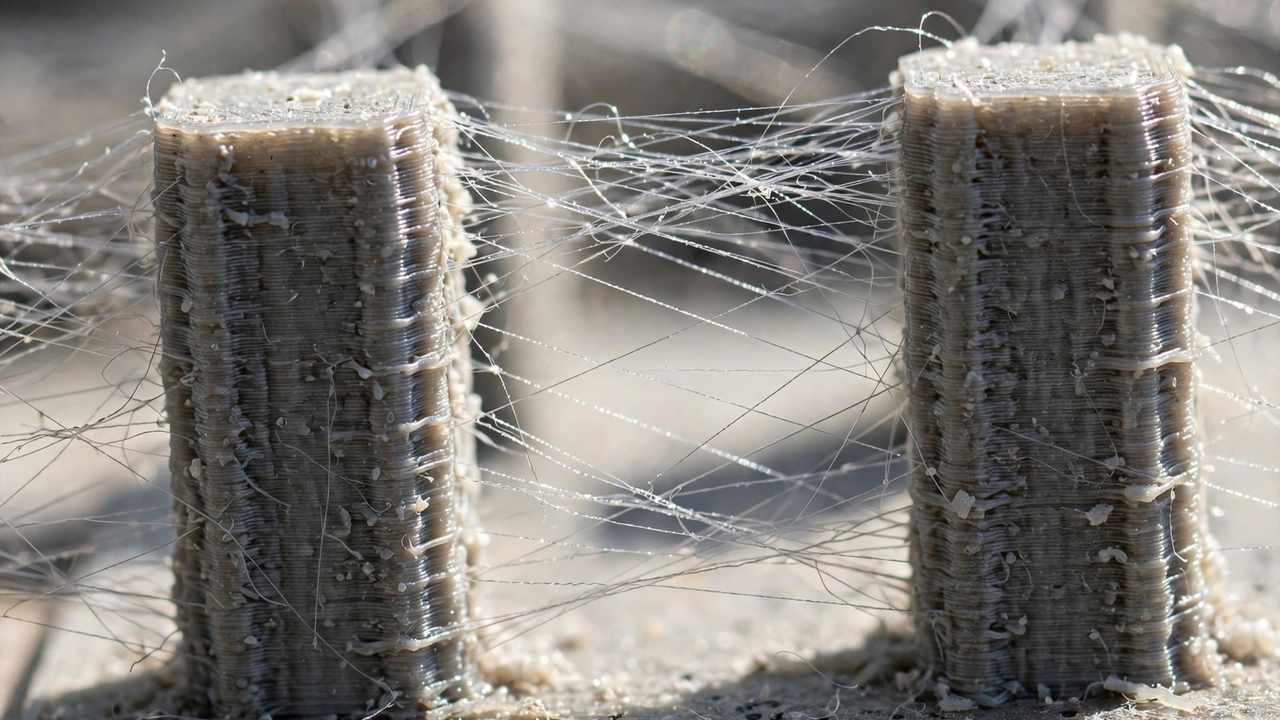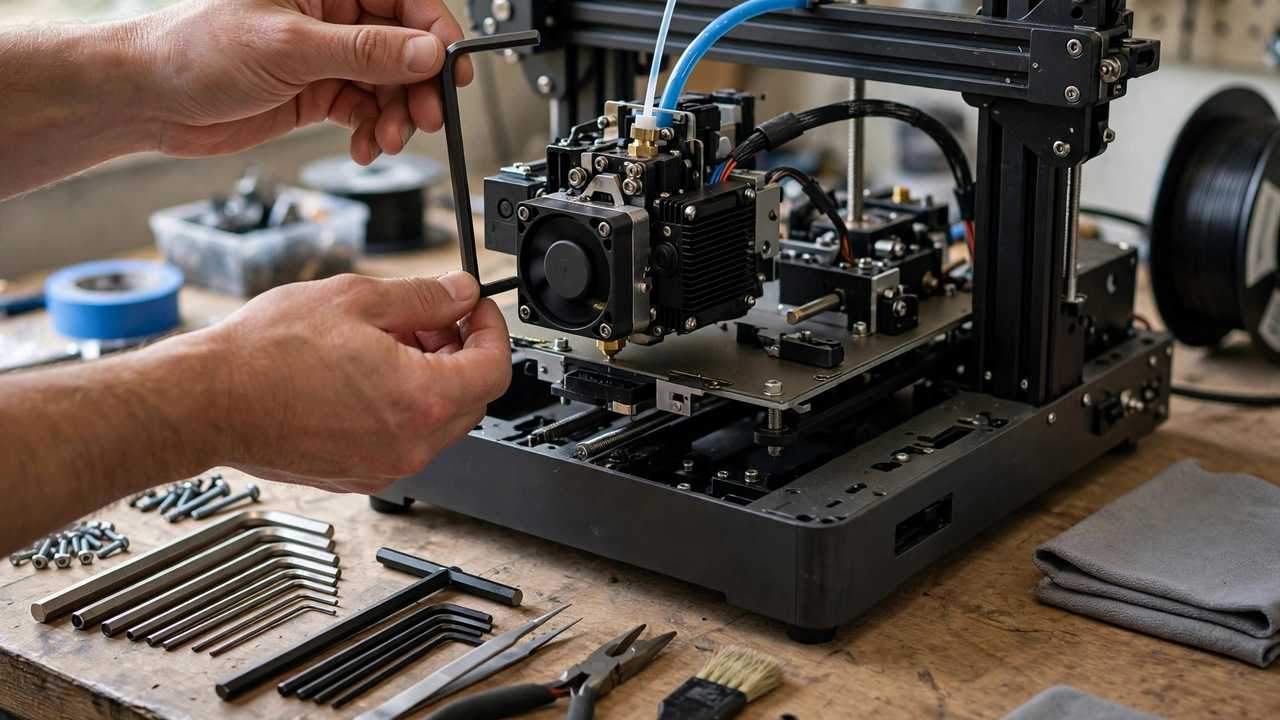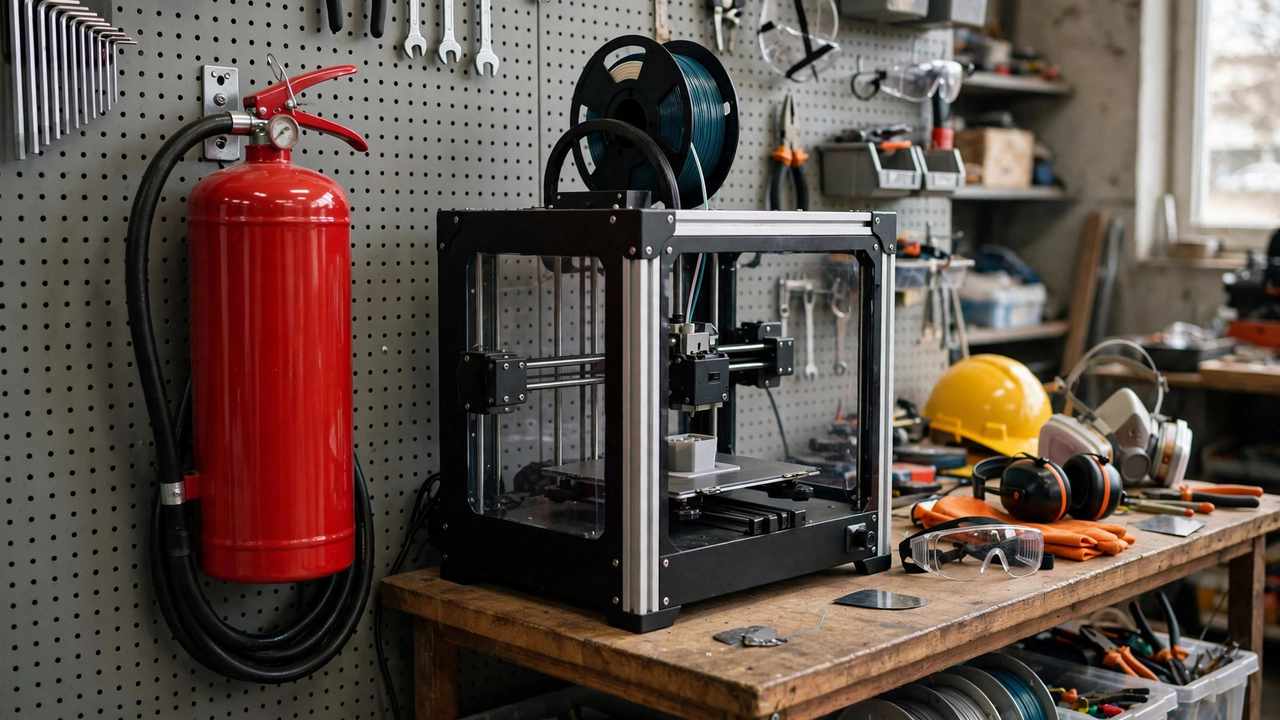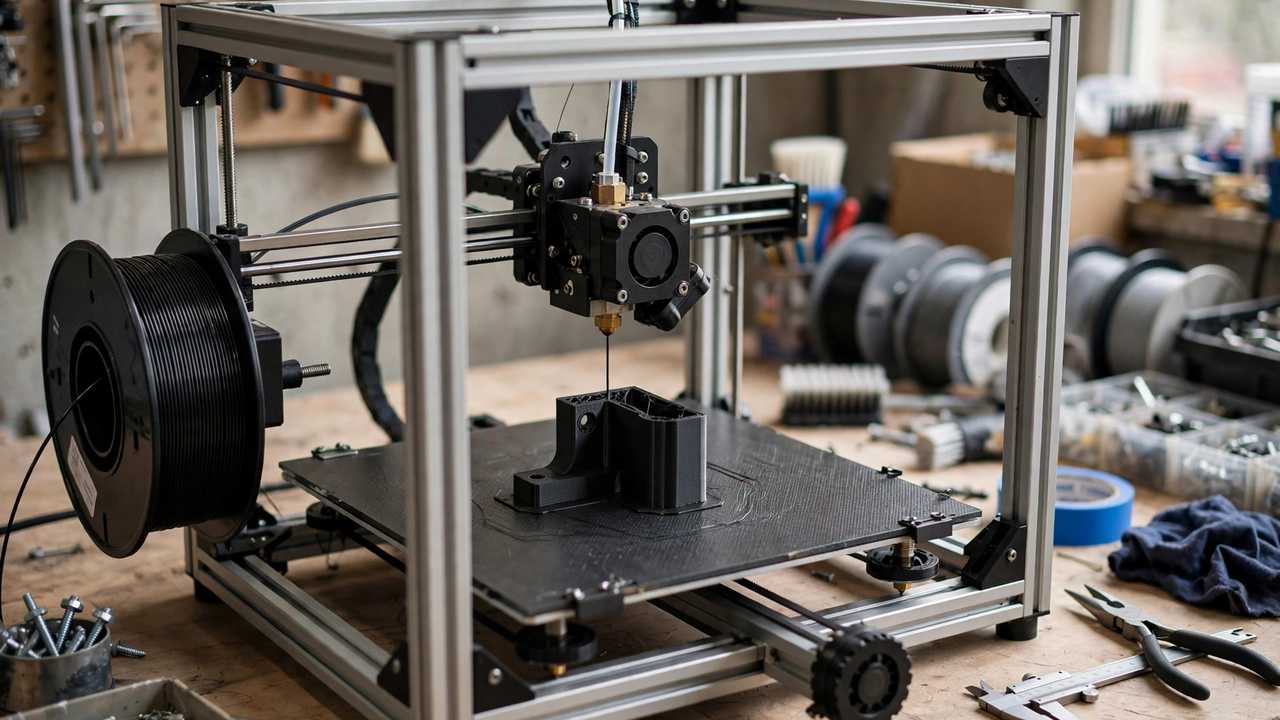
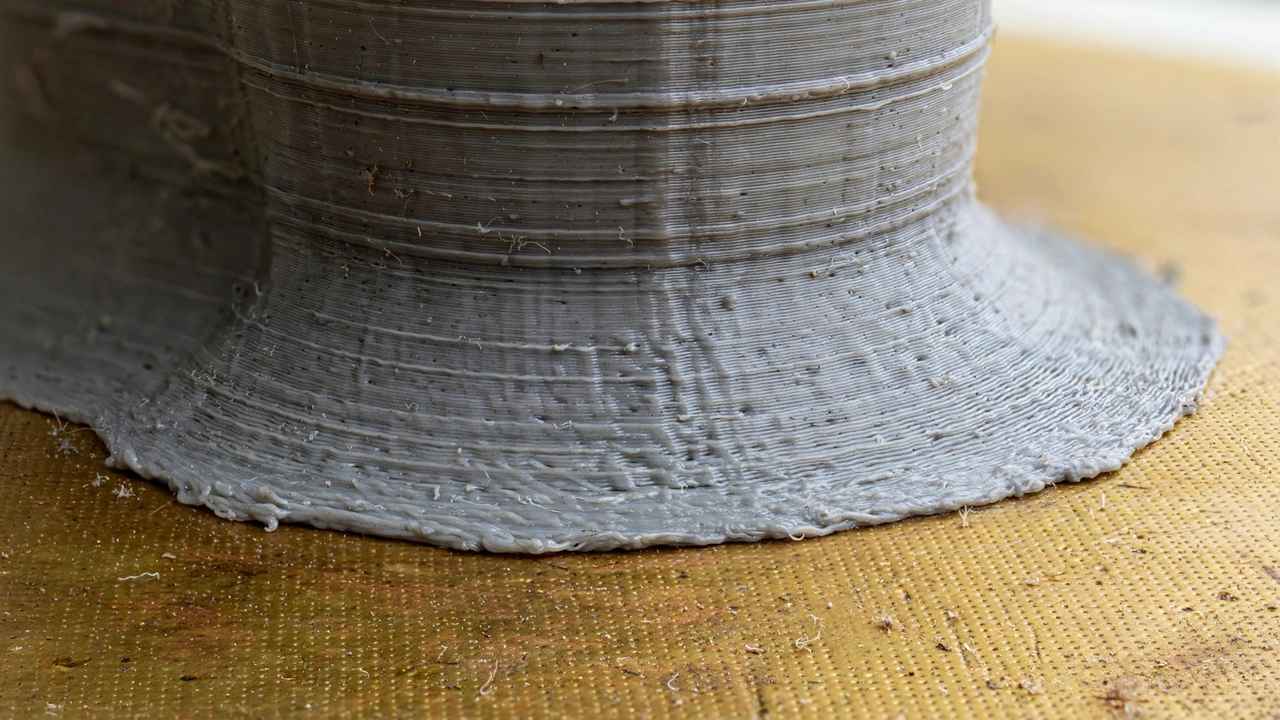
You designed a perfect enclosure, printed it, and the lid will not fit. The bottom few layers flare outward like — well — an elephant’s foot. Learning to fix elephants foot 3D prints is essential for anyone making functional parts, because this defect does not just look bad; it breaks tolerances, stops parts mating, and turns precise designs into approximate ones.
The good news: elephant’s foot is one of the most fixable defects in 3D printing. It has a clear physical cause, and the solutions range from a single slicer setting to small design changes that eliminate it permanently. This guide walks through why it happens and every proven fix, in order of effort.
What Causes Elephant’s Foot?
Elephant’s foot happens when the first few layers of a print spread wider than the rest. The physics are straightforward: the nozzle sits very close to the bed for the first layer (to ensure adhesion), and the hot plastic gets squished outward. Heat from the heated bed keeps those bottom layers soft longer, so the weight of the layers above compresses them slightly. The result is a visible flare at the base — typically 0.1–0.5 mm wider per side.
Several factors make it worse: a nozzle too close to the bed (over-squished first layer), excessive bed temperature, over-extrusion on the first layer, and printing the first layer too slowly with too much material. Understanding the cause points directly at the fixes.
Fix 1: Initial Layer Horizontal Expansion (The Quick Win)
Every major slicer has a setting for this, and it is the fastest fix available. In Cura, it is called Initial Layer Horizontal Expansion; in PrusaSlicer / OrcaSlicer / Bambu Studio, look for Elephant Foot Compensation. Set it to -0.1 to -0.2 mm and the slicer shrinks the first layer inward by that amount, cancelling out the flare.
Start at -0.15 mm and print a 20 mm calibration cube. Measure the bottom with callipers: if it is still wider than the top, increase the compensation; if the bottom is now narrower, back it off. Most printers land between -0.1 and -0.25 mm. This single setting fixes 80% of elephant’s foot cases with zero hardware changes — which is why it is fix number one.
Fix 2: Adjust Your Z-Offset (Nozzle Height)
If your first layer looks translucent and flattened — like the plastic was ironed into the bed — your nozzle is too close. Back the Z-offset off in 0.02 mm steps until the first layer lines are distinct rounded strands that just touch each other, not a smeared sheet. Many makers run their first layer slightly too squished “for good adhesion” and create elephant’s foot as a side effect.
The sweet spot: close enough for reliable adhesion, far enough that the extrusion forms proper rounded lines. If you have auto bed levelling, adjust the Z-offset in your printer’s tune menu; on manual machines, re-level with a slightly looser feeler gauge. Our calibration guide covers first-layer dialling in detail.
Fix 3: Lower Bed Temperature
Excessive bed heat keeps bottom layers soft and squashable. If you print PLA at 70°C “to be safe,” try 60°C — plenty for adhesion with a clean plate, and noticeably less flare. For PETG, dropping from 90°C to 80°C often helps (see our PETG settings guide for the full picture). Only reduce temperature as far as adhesion allows; a print that pops off mid-way is worse than one with slight flare.
A useful technique: set the bed 5–10°C hotter for the first layer only, then drop to the normal temperature. Most slicers support this with separate first-layer bed temperature settings. You get strong initial adhesion without cooking the bottom layers for the entire print.
Fix 4: Design a Chamfer (The Permanent Fix)
For parts you design yourself, the elegant solution is a 45° chamfer on the bottom edge — typically 0.5–1 mm. The chamfer gives the squished plastic somewhere to go that does not exceed the part’s intended footprint, and as a bonus it removes the sharp bottom edge (which is nicer to handle and less likely to chip).
This is standard practice in professional design-for-3D-printing: any bottom edge that matters dimensionally gets a small chamfer or fillet. It costs nothing, prints without supports, and eliminates the problem at the source rather than compensating for it. If you model in Fusion 360, Tinkercad, or Blender, adding a chamfer takes seconds and saves hours of test prints.
Fix 5: Calibrate Flow Rate
Over-extrusion amplifies elephant’s foot — extra plastic has to go somewhere, and outward is the path of least resistance. If your prints consistently measure oversize (not just at the base), your flow rate / extrusion multiplier is too high. Print a single-wall calibration cube, measure the wall thickness with callipers, and adjust flow so measured matches intended.
This is worth doing regardless: correct flow improves dimensional accuracy everywhere, not just at the base. Many makers discover their “elephant’s foot problem” was partly a general over-extrusion problem once they calibrate.
Fix 6: Cool the First Layers
Running the part-cooling fan at 0% for the first few layers is standard advice for adhesion — but keeping it off too long lets heat accumulate at the base. Try enabling the fan from layer 2 or 3 instead of layer 4–5. The bottom layers solidify faster, resist squishing, and the adhesion difference is negligible on a properly prepared bed.
For PLA specifically, some makers run 100% fan from layer 2 with excellent results and minimal flare. PETG is fussier (it wants less cooling for layer adhesion), so balance this fix against the material’s needs.
Fix 7: Rafts and Brims (When All Else Fails)
A raft — a sacrificial printed base under your part — completely isolates the part from bed-squish effects. The elephant’s foot happens to the raft, which you discard. Rafts cost time and material and leave a rougher bottom surface, so they are a last resort, not a daily solution. But for a critical one-off part where dimensions must be perfect, a raft is bulletproof.
A brim does not fix elephant’s foot directly, but it is worth mentioning: brims improve adhesion for small-footprint parts, letting you run slightly less first-layer squish (fix 2) without adhesion anxiety. Sometimes the combination is what finally nails it.
Diagnosing: Is It Really Elephant’s Foot?
Not every wide base is elephant’s foot. Before applying fixes, confirm the diagnosis — similar-looking problems have different causes. True elephant’s foot affects only the first 1–3 layers, flaring outward symmetrically. If the entire print measures oversize, that is over-extrusion or incorrect steps calibration, not elephant’s foot. If one side flares more than the other, suspect an unlevel bed or a draught cooling one side faster.
Warping looks different: corners lift up off the bed rather than spreading out. Warping needs adhesion and temperature fixes, not horizontal compensation. Z-wobble creates periodic banding up the whole print, not base-only flare. Getting the diagnosis right saves you from “fixing” the wrong thing — a maker who applies elephant’s foot compensation to a warping problem will chase their tail for days.
The definitive test takes two minutes: measure the bottom 3 mm with callipers, then measure at mid-height. Elephant’s foot shows a clear step — bottom wider, middle correct. If there is no step, look elsewhere.
Fix Elephants Foot 3D Prints: The Order to Try
When you need to fix elephants foot 3D prints tonight, follow this order — each step takes minutes, and most makers never need to go past step three:
- Slicer compensation (-0.15 mm) — two minutes, fixes most cases
- Z-offset check — print a first-layer test, adjust in 0.02 mm steps
- Bed temperature — drop 5–10°C from your current setting
- Flow calibration — single-wall cube, measure, adjust (15 minutes)
- Fan from layer 2–3 — one slicer setting change
- Design chamfer — for your own models, permanent fix
- Raft — nuclear option for critical one-offs
Work through them in order rather than changing everything at once. Changing one variable at a time is slower in the moment but infinitely faster overall — when the print comes out right, you know why, and that knowledge transfers to every future print. Makers who change five settings simultaneously and get a good print have learned nothing and will repeat the whole ordeal next month.
Measuring Success: The Calliper Test
Do not eyeball this — measure. Print a 20 mm cube with your fixes applied, then measure top, middle, and bottom with digital callipers. Success looks like: bottom within 0.05 mm of the middle. If the bottom is still 0.2 mm+ wider, increase compensation or revisit Z-offset. Keep a note of the winning settings per material, because PLA and PETG typically want slightly different compensation values on the same printer.
For truly critical dimensions — press-fit parts, enclosures with lids, mechanical assemblies — consider printing a dedicated tolerance test with your production settings before the real part. An hour of testing beats a six-hour print that does not fit.
When Elephant’s Foot Does Not Matter
Perspective helps: for decorative prints, figurines, and anything where the base is hidden or irrelevant, elephant’s foot is cosmetic. Do not burn hours perfecting first-layer compensation on a vase. Save the precision work for functional parts where mating surfaces and tolerances actually matter. Good makers fix what matters and ignore what does not — that judgment is as valuable as any slicer setting.
There is also a category of prints where a slight flare is actively useful: parts that need to sit stably on a desk, like pen holders or small organisers, benefit from a marginally wider base. Nobody will measure your desk tidy with callipers. Reserve your perfectionism for the prints that earn it — the gearbox that must mesh, the electronics enclosure whose lid must close, the replacement part that must fit the original. Everything else can have feet like an elephant and nobody will care.
Fix Elephants Foot 3D Prints in Multi-Material and Large Prints
Two edge cases deserve mention. In multi-material prints (dual extrusion or toolchangers), elephant’s foot compensation must be applied per extruder — materials shrink and squish differently, and a single global value may fix one material while over-correcting the other. Test each material separately.
On very large prints, the bottom layers stay warm longer simply because the print takes longer, amplifying the effect. Large-format makers often combine compensation with slightly reduced bed temperature after the first few layers and, where the printer supports it, a chamber fan that kicks in once the base is established. The principle is the same as small prints — get the base solid quickly, then protect it from excess heat — just scaled up.
For authoritative visuals of this defect and its remedies, Prusa’s knowledge base maintains a well-illustrated troubleshooting section covering elephant’s foot alongside every other common print defect.
Frequently Asked Questions
What slicer setting fixes elephant’s foot?
Initial Layer Horizontal Expansion (Cura) or Elephant Foot Compensation (PrusaSlicer/Orca/Bambu Studio), set to -0.1 to -0.2 mm. This is the fastest and most effective fix.
Does a chamfer really prevent elephant’s foot?
Yes — a 0.5–1 mm 45° chamfer on bottom edges gives squished plastic somewhere to go without exceeding the part’s footprint. It is the standard professional solution for designed parts.
Can bed temperature cause elephant’s foot?
Yes. Excessive bed heat keeps bottom layers soft and compressible. Try reducing bed temperature by 5–10°C, or use a hotter first layer then drop to normal temperature.
Why does only the bottom of my print flare out?
The nozzle sits closest to the bed on the first layer for adhesion, squishing plastic outward, and bed heat keeps those layers soft while upper layers add weight. It is a first-layer phenomenon, which is why first-layer settings fix it.
Should I use a raft to fix elephant’s foot?
A raft works but is wasteful for routine use. To fix elephants foot 3D prints day to day, reserve rafts for critical one-off parts and use slicer compensation and chamfers for everyday printing.