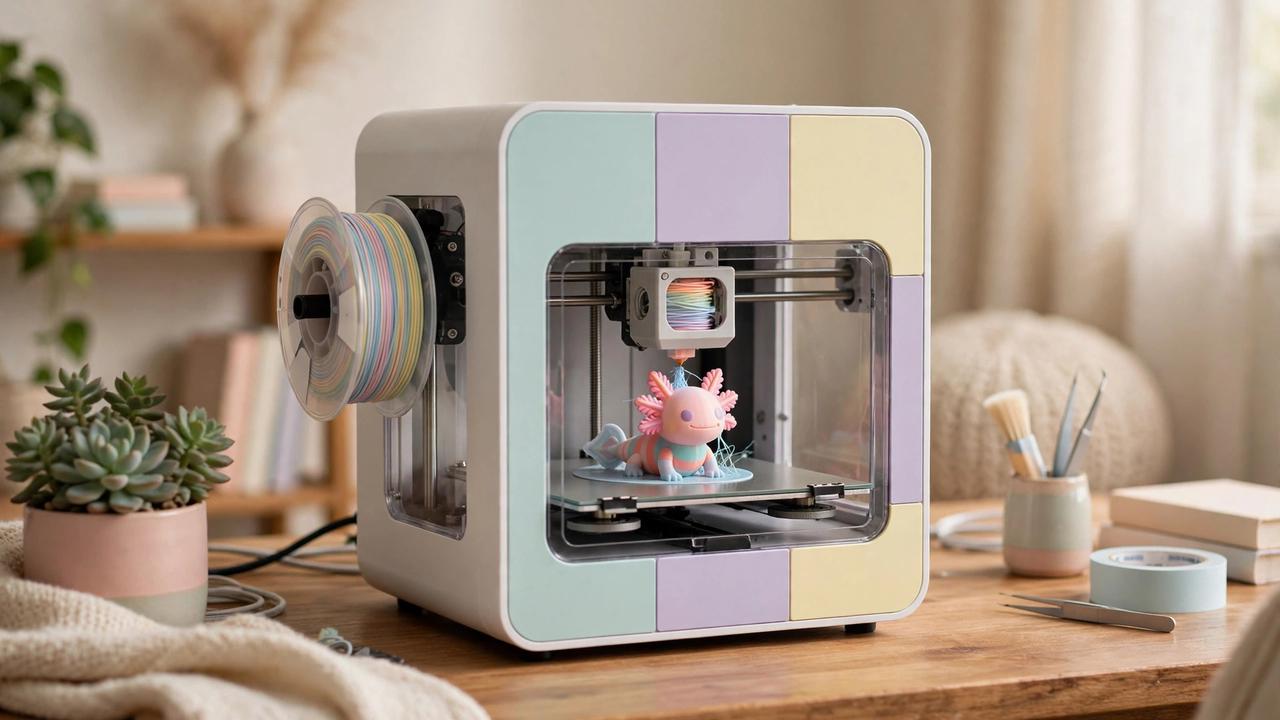
If you’re shopping for your first 3D printer in Australia, the Bambu Lab A1 Mini is probably already on your shortlist — and for good reason. This compact little bed-slinger has built a reputation as the printer that “just works,” and in this Bambu Lab A1 Mini review Australia buyers can rely on, I’ll walk you through the 2026 AU price, real-world print quality, speed, noise levels, and whether it still deserves the “best beginner printer” crown. I’ve also compared it against the alternatives Australian buyers are actually cross-shopping, so you can decide with confidence.
Short version up front: at $319 AUD for the machine alone (or $529 with the AMS Lite for 4-colour printing), the A1 Mini remains one of the easiest recommendations in 3D printing — but it’s not perfect for everyone. Let’s dig in.
Bambu Lab A1 Mini Review Australia: 2026 Price & Where to Buy
Price is where the A1 Mini really shines for Aussie buyers. As of 2026, the machine-only version sells for $319 AUD at major Australian retailers including The Good Guys, 3D Printer Superstore, and CDSOFT. The A1 Mini Combo — which adds the AMS Lite multi-colour unit — runs $529 AUD.
A few buying notes specific to Australia:
- Buy from an authorised AU reseller where possible. You’ll get local warranty support and faster shipping than ordering direct from overseas.
- Watch for bundle deals. Resellers frequently bundle the A1 Mini with starter filament spools, which saves you a separate filament order.
- eBay prices hover around $370 from high-volume sellers, but you lose the retailer warranty experience — the $319 retail price is the better deal.
- Factor in filament. A 1kg spool of decent PLA in Australia runs $30–$45, so budget an extra $60–$90 for your first few spools.
At $319, the A1 Mini undercuts most of its serious competition while offering features (auto calibration, 500 mm/s speeds, app control) that used to cost twice as much. That value proposition is the core of its appeal.
Key Specifications
Before the hands-on impressions, here’s what you’re getting on paper:
- Build volume: 180 × 180 × 180 mm
- Max speed: 500 mm/s (with acceleration to match)
- Calibration: Fully automatic — vibration compensation, flow dynamics, bed levelling, all hands-off
- Nozzle: 0.4 mm stock (swappable 0.2/0.6/0.8 mm options available)
- Connectivity: Wi-Fi, microSD card, Bambu Studio slicer, Bambu Handy mobile app
- Camera: Built-in for remote monitoring and timelapses
- Materials: PLA, PETG, TPU well supported; ABS/ASA not recommended (open-frame design)
- Footprint: 347 × 315 × 365 mm — genuinely desk-friendly
The 180 mm cube build volume is the main spec to think hard about. It’s plenty for miniatures, prototypes, household fixes, toys, and most functional prints — but if you dream of printing helmets, large cosplay pieces, or big vases in one go, you’ll be splitting models. For a beginner, though, the smaller volume is arguably a feature: faster heat-up, less filament per print, and fewer failed-print heartbreaks.
Setup: From Box to First Print
This is where Bambu Lab embarrassed the entire industry. Unboxing to first print genuinely takes around 20 minutes, and most of that is removing packaging foam. The printer walks you through a guided setup on its touchscreen: it auto-levels the bed, runs vibration compensation, and calibrates flow — all without you touching a single knob or turning a single screw.
Compare that to the classic beginner experience of a few years ago — manual bed levelling with a piece of paper, test cubes, forum threads at midnight — and you understand why the A1 Mini converted so many sceptics. If you’ve been put off 3D printing because it looked fiddly, this is the machine that removes the fiddle.
One tip: run the calibration with the printer in its final location. Vibration compensation tunes itself to the surface the printer sits on, so calibrating on the kitchen bench and then moving it to a wobbly desk means re-running it.
Print Quality in the Real World
Out of the box, the A1 Mini produces prints that would have required serious tuning skill on older machines. Layer lines are consistent, overhangs are clean, and the automatic flow calibration means you rarely see the under- or over-extrusion artefacts that plague beginners.
Where it genuinely excels:
- PLA: Flawless. This is the A1 Mini’s home turf — crisp details, great bridging, minimal stringing.
- PETG: Very good once you dry your filament. PETG is hygroscopic (it absorbs moisture), and most “bad PETG print” stories are really “wet filament” stories.
- TPU: Surprisingly capable for a Bowden-style setup at moderate speeds. Keep it slow and it behaves.
- Silk and matte PLAs: Beautiful results — the consistent extrusion really shows on aesthetic filaments.
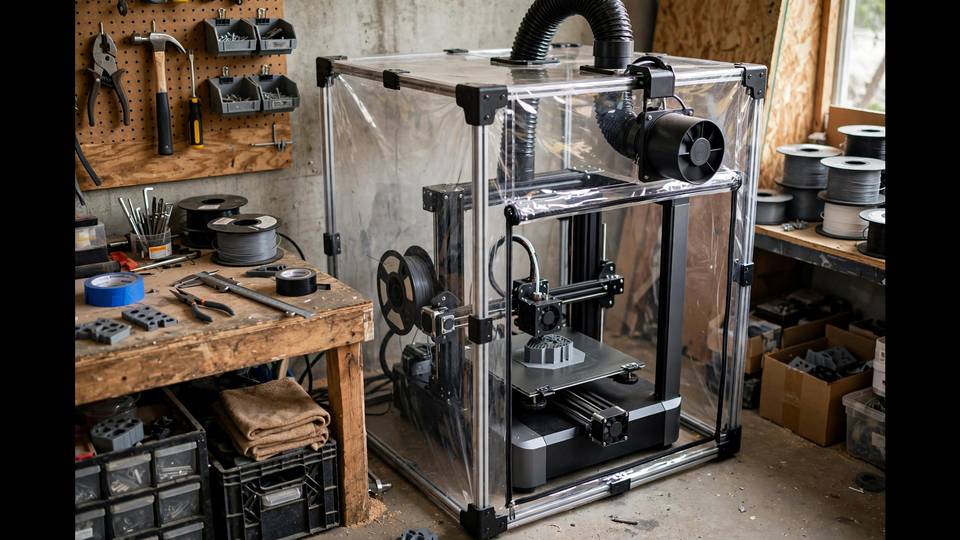
Where to temper expectations: the open-frame design means ABS and ASA are not recommended. These materials need a warm, stable chamber to avoid warping and to contain fumes. If your heart is set on engineering filaments, you need an enclosed printer instead — which brings us to alternatives later.
Speed: The 500 mm/s Claim
Bambu Lab advertises 500 mm/s, and the printer does hit those speeds on straight-line moves. In practice, most quality prints run at 200–300 mm/s for outer walls, which is still 2–3× faster than the previous generation of beginner printers. A standard 3DBenchy that took 2+ hours on an older machine finishes in well under an hour here.
The speed matters more than bragging rights suggest: faster prints mean faster iteration. When you’re learning, being able to test a design tweak in 40 minutes instead of 3 hours dramatically accelerates the learning curve.
Noise: Can You Run It in a Home Office?
Yes — this is one of the A1 Mini’s standout traits. Australian resellers specifically call out its quiet operation as ideal for shared living spaces and home offices, and that matches real-world experience. In standard mode it’s a low hum; there’s a quiet mode that drops noise further for overnight prints. It’s not silent — you’ll hear it in the same room — but it won’t drive housemates up the wall.
The AMS Lite: Is the $529 Combo Worth It?
The Combo adds Bambu’s AMS Lite, a 4-spool filament system that enables multi-colour printing. At $529 vs $319, you’re paying $210 for the privilege. Worth it if:
- You want to print colourful models, signs, or toys without painting
- You like the idea of automatic filament backup (it switches to a fresh spool when one runs out)
- You’re buying for kids or a classroom — multi-colour is a huge engagement win
Skip it if you’re mainly printing functional parts in single colours, or if budget is tight — you can always add the AMS Lite later. Note that multi-colour printing generates purge waste (the infamous “poop”), so it does increase filament consumption.
What Could Be Better
No printer is perfect, and an honest review needs the caveats:
- Build volume: 180 mm cube will eventually feel small as your ambitions grow.
- Open frame: No ABS/ASA, and dust settles on the printer.
- Cloud dependency: The slick app experience routes through Bambu’s cloud. There’s a LAN-only mode for the privacy-conscious, but it’s less convenient.
- Proprietary touches: Bambu uses some non-standard parts (like the nozzle assembly), so the ultra-cheap generic spares ecosystem is thinner than for Creality machines.
Bambu Lab A1 Mini vs Alternatives in Australia
Here’s how it stacks up against what Aussie beginners actually compare it to:
- vs Bambu Lab A1 ($427 machine only): The bigger sibling with a 256 mm cube volume. If you can stretch the budget and have the desk space, the A1 is the “buy once” choice. But it’s $100+ more.
- vs Creality Ender 3 V3 SE (~$300–$350 AU): The classic budget rival. Cheaper spares and a huge modding community, but slower, louder, and far more hands-on. Choose the Ender if you want to learn printer mechanics; choose the A1 Mini if you want to print things.
- vs Flashforge Adventurer 5M (~$500–$600 AU): Enclosed, so it handles ABS — but costs significantly more and the ecosystem isn’t as polished.
For most beginners in 2026, the A1 Mini still wins on the sheer “it just works” factor at $319.
Who Should Buy the A1 Mini?
- First-time printer owners who want success, not a project
- Parents buying for teens (quiet, safe-ish, app-controlled)
- Hobbyists focused on miniatures, models, and household prints
- Small businesses needing a reliable second printer for PLA/PETG parts
Who should skip it: anyone who specifically needs ABS/ASA (get an enclosed printer), anyone printing large objects regularly (get the A1 or a bigger machine), and tinkerers who enjoy modifying their printer (get an Ender).
Bambu Lab A1 Mini Review Australia: The Verdict
In 2026, the Bambu Lab A1 Mini remains the easiest beginner 3D printer recommendation in Australia. If you came looking for a Bambu Lab A1 Mini review Australia shoppers can act on, that is the bottom line. At $319 AUD from local retailers, with 20-minute setup, genuinely excellent print quality, and quiet operation, it removes nearly every traditional barrier to entry. The 180 mm build volume and open frame are real limitations, but they’re honest ones — and for most beginners, they’re limitations you won’t hit for a long time.
Rating: 9/10 — still the beginner king.
If you’re ready to dive deeper, check out our 3D printing beginner guides for filament tips and your first-project ideas.
Bambu Studio & Handy App: The Software Experience
Hardware is only half the A1 Mini story — the software ecosystem is the other half, and it’s where Bambu Lab pulls furthest ahead of budget rivals. Bambu Studio (desktop slicer) is a fork of PrusaSlicer/OrcaSlicer with Bambu’s tuned profiles baked in. For a beginner, this means the default profile for “Generic PLA” just works — no hunting forum threads for magic settings numbers.
Key software strengths:
- One-click printing: slice, hit print, and the file goes over Wi-Fi. No SD card shuffle.
- Bambu Handy app: start prints, monitor via camera, and get phone notifications when prints finish — genuinely useful, not a gimmick.
- Built-in model library: thousands of free models browsable right in the slicer, many with print profiles attached.
- Remote monitoring: the built-in camera lets you check prints from work — peace of mind for long jobs.
The tradeoff, as noted earlier, is cloud reliance. Bambu’s convenient features route through their servers. LAN-only mode exists for privacy-conscious users but disables the slickest remote features. For most home users this is a non-issue, but it’s worth knowing before you buy.
Long-Term Reliability: What Owners Report
With the A1 Mini now well-established, long-term owner feedback paints a consistent picture: it’s a reliable workhorse for PLA/PETG. The most commonly reported maintenance items are consumables — nozzles, the occasional PTFE tube, and build plate sheets — all cheap and user-replaceable.
Two things to know going in:
- Keep a spare hotend assembly. Bambu’s quick-swap design means a clogged nozzle is a 2-minute swap, not a 30-minute teardown — but only if you have the spare on hand. Australian resellers stock them.
- The AMS Lite needs occasional attention. If you get the combo, keep the filament path clean and dry your filament — most AMS feeding issues trace back to wet or tangled spools, not the unit itself.
Does this review use Australian pricing?
Yes — this page is a Bambu Lab A1 Mini review Australia shoppers can use, with October 2026 pricing from The Good Guys, 3D Printer Superstore and CDSOFT, plus real-world noise, speed and AMS Lite findings.
Frequently Asked Questions
How much is the Bambu Lab A1 Mini in Australia?
In 2026, the Bambu Lab A1 Mini costs $319 AUD for the machine alone at Australian retailers like The Good Guys and 3D Printer Superstore. The A1 Mini Combo with the AMS Lite multi-colour unit costs $529 AUD.
Can the A1 Mini print ABS?
No — ABS is not recommended on the A1 Mini. Its open-frame design can’t maintain the warm, stable chamber ABS needs, leading to warping. It excels with PLA, PETG and TPU. For ABS/ASA, choose an enclosed printer.
Is the A1 Mini good for beginners?
Yes — it’s arguably the best beginner 3D printer available in 2026. Setup takes about 20 minutes with fully automatic calibration, and it produces excellent prints with no manual tuning required.
What is the build volume of the A1 Mini?
The A1 Mini has a build volume of 180 × 180 × 180 mm. That’s plenty for miniatures, prototypes, toys and household parts, but large single-piece prints will need to be split.
Should I get the A1 Mini or the full-size A1?
Get the full-size A1 ($427 AUD) if you have the desk space and budget and expect to print larger objects. Get the A1 Mini if budget or space is tight; print quality is essentially identical.
Can I use third-party filament with the A1 Mini?
Yes. The A1 Mini works with Bambu Lab filament and compatible third-party PLA, PETG and TPU. Stick to standard materials from reputable brands for the most reliable results.
Prices checked October 2026 at The Good Guys, 3D Printer Superstore and CDSOFT. For more on 3D printer safety and materials, see the Product Safety Australia website.