This 3D printing for schools Australia guide covers curriculum links, classroom-ready printers and safety.
A 3D printer might be the single best-value piece of equipment a school can buy this decade. For the price of a couple of textbooks per student, you get a machine that turns abstract ideas into objects kids can hold — and when it comes to 3D printing for schools, Australia has moved well past the novelty stage. It’s now a legitimate teaching tool with genuine curriculum links, a settled set of classroom-friendly machines, and workflows that actually survive contact with thirty Year 8s. This guide is written for the teacher who’s been handed the printer (or is about to ask for one): what to buy, how it fits the curriculum, how to run it without losing your weekends, and how to keep everyone safe.
Where 3D printing fits the Australian Curriculum
You don’t need to shoehorn 3D printing into your teaching — the curriculum already expects it. Under the Australian Curriculum Version 9, the Technologies learning area contains two subjects: Design and Technologies and Digital Technologies. Design and Technologies is the natural home: students learn to operate digital tools to realise design ideas, explicitly including computer-aided design and manufacture and rapid prototyping — with curriculum elaborations naming 3D printers as the equipment students use to produce prototypes and test functionality.
In practice, that maps to the design process students already follow: investigate, generate ideas, prototype, evaluate. A 3D printer makes the “produce” step fast and repeatable — a student can test three versions of a phone stand in a week instead of one balsa-wood version in a term. The official Version 9 curriculum site is worth bookmarking when writing your purchase-order justification; pointing a principal at the exact strand is how printers get approved.
3D Printing for Schools Australia: What Makes a Printer Classroom-Ready
The printer you’d buy for your garage and the printer you’d put in a room full of twelve-year-olds are different machines. When you’re choosing for a school, filter every option through this checklist:
- Fully enclosed with filtration. An enclosed chamber keeps curious fingers away from a 200 °C hotend and, paired with a HEPA and carbon filter, deals with the ultrafine particles and odours printing produces. This is non-negotiable for a classroom.
- Dead simple to run. Automatic bed levelling, a touchscreen with plain-English menus, and reliable first layers. You don’t want to spend your lunch break diagnosing a printer.
- Remote monitoring. A built-in camera plus Wi-Fi means you can check a print from your desk across the room — or from the staffroom — without hovering.
- Quiet. Under 50 dB in quiet mode is the difference between background hum and a distraction.
- PLA-first. PLA is the classroom filament: non-toxic, low-odour, prints at modest temperatures, and cheap. Any printer you consider should print PLA beautifully; ABS and ASA are for later, with ventilation sorted.
- Local support and parts. When something breaks mid-term, you want an Australian retailer who answers the phone — not a three-week wait for a part from overseas.
Budget $500–$900 per classroom for 3D printing for schools Australia setups that survive daily student use.
Two classroom printers worth the budget
You don’t need to spend thousands. Two machines dominate Australian classrooms right now, both enclosed, both with cameras, and both available from local retailers with education-friendly ordering.
Bambu Lab P1S — the set-and-forget workhorse
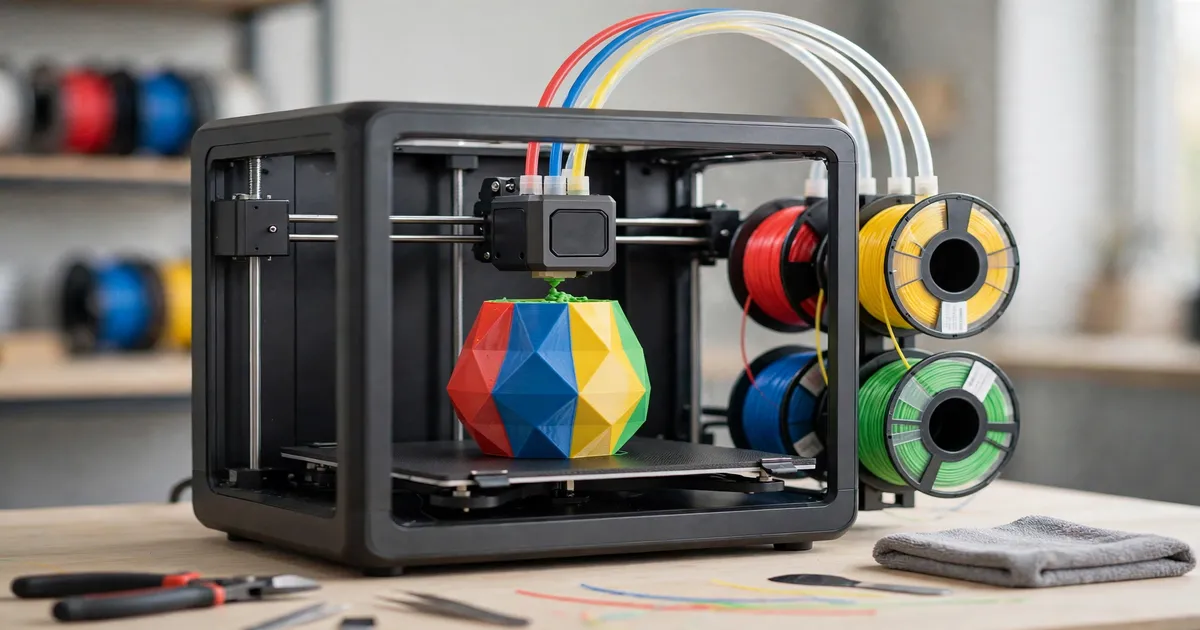
The P1S is the printer you’ll see in more Australian schools than any other. It’s fully enclosed, calibrates itself, and Bambu’s software means a teacher can slice a student’s file and send it to the printer in minutes. The built-in camera and Wi-Fi let you monitor prints from your desk, and it handles PLA, PETG and TPU reliably. It’s also stocked by teaching.com.au, an Australian education supplier schools already buy from on purchase orders.
- Australian price: $599 AUD (machine only) at The Good Guys; $829 AUD for the AMS Combo (adds multi-colour) at The Good Guys; $912.95 AUD for the Combo through teaching.com.au
- Why it suits schools: 15-minute setup, automatic calibration, camera monitoring, huge community and parts availability in Australia
- Watch out for: no built-in air filtration on the standard model, so stick to PLA and PETG in the classroom and ventilate the room
Flashforge Adventurer 5M Pro — the filtration-first option
If air quality is your top concern — and in a room of thirty kids it should be — the Adventurer 5M Pro makes a strong case. It’s fully enclosed with a HEPA H13 plus activated carbon filtration system, has a monitoring camera, full-auto one-click levelling, and a quick-swap nozzle system that makes maintenance a two-minute job rather than a lunchtime project. Flashforge’s Australian operation even runs a dedicated “3D printers for schools” range, which tells you where their head is at. At up to 600 mm/s it’s also fast enough to turn around class prints within a period.
- Australian price: roughly $600–$850 AUD depending on retailer — $599 AUD at Flashforge’s AU store, $649 AUD at CDSoft, $849 AUD at flashforge-au.com
- Why it suits schools: HEPA + carbon filtration built in, enclosed design, camera, quiet mode under 50 dB
- Watch out for: a smaller community than Bambu in Australia, so check your preferred retailer’s parts and support before committing
If your budget stretches to two printers instead of one, do that — a second machine does more for throughput than any upgrade. And once students start designing their own models, consider adding an affordable scanner: our budget 3D scanner roundup covers classroom-friendly options, and scanning for 3D print walks through turning a scan into a printable file — a brilliant lesson in itself.
Print queues teach patience — roster 3D printing for schools Australia class projects a week ahead.
Classroom workflow: slicing, queues and class-period prints
The printer is the easy part. The hard part is thirty students and one machine. The workflow that works:
- Standardise on one free CAD tool. Tinkercad — the free, browser-based app from Autodesk — is the classroom standard for good reason: no installs, runs on school Chromebooks, and a Year 7 can design something printable in a single lesson. Older students can graduate to Fusion 360 (free for education) later.
- Run a print queue, not a free-for-all. A shared spreadsheet or a whiteboard list where students book their print slot teaches project management and stops arguments. One student (rotate the role weekly) acts as “print manager”, checking files slice cleanly before they join the queue.
- Design for the period. A full-size model that takes nine hours will never finish in a school day. Teach students to design small, use low infill (10–15%), and keep layer heights chunky (0.28 mm) for drafts. A phone stand at 0.28 mm layers and 12% infill prints in under two hours — a keyring in twenty minutes.
- Slice on shared computers. Install the slicer (Bambu Studio, OrcaSlicer, or FlashPrint depending on your printer) on the classroom desktops and teach a ten-minute “export, slice, check the time estimate” routine. The time estimate is the lesson: students quickly learn the relationship between size, infill, and hours.
- Batch overnight and weekend prints. Larger projects print after hours. A $30 smart plug with remote monitoring lets the supervising teacher check the camera from home and kill power if something goes wrong — the same setup home makers use for 3D printer fire safety.
3D Printing for Schools Australia: Safety and Risk Assessments
Schools do safety formally, and a 3D printer needs to be part of that paperwork — not an afterthought. Before the printer goes live with students, work through these with your WHS coordinator:
- Write it into a risk assessment. Cover burns (hotend and bed), fume and particle exposure, and electrical safety. Your school already has a template; a 3D printer risk assessment is a one-pager.
- Ventilate the room. Even with PLA — the safest common filament — printing releases ultrafine particles. An enclosed printer with filtration plus normal classroom ventilation (open a window, run the aircon) is the standard. Save ABS and ASA for a properly ventilated workshop space, not a general classroom.
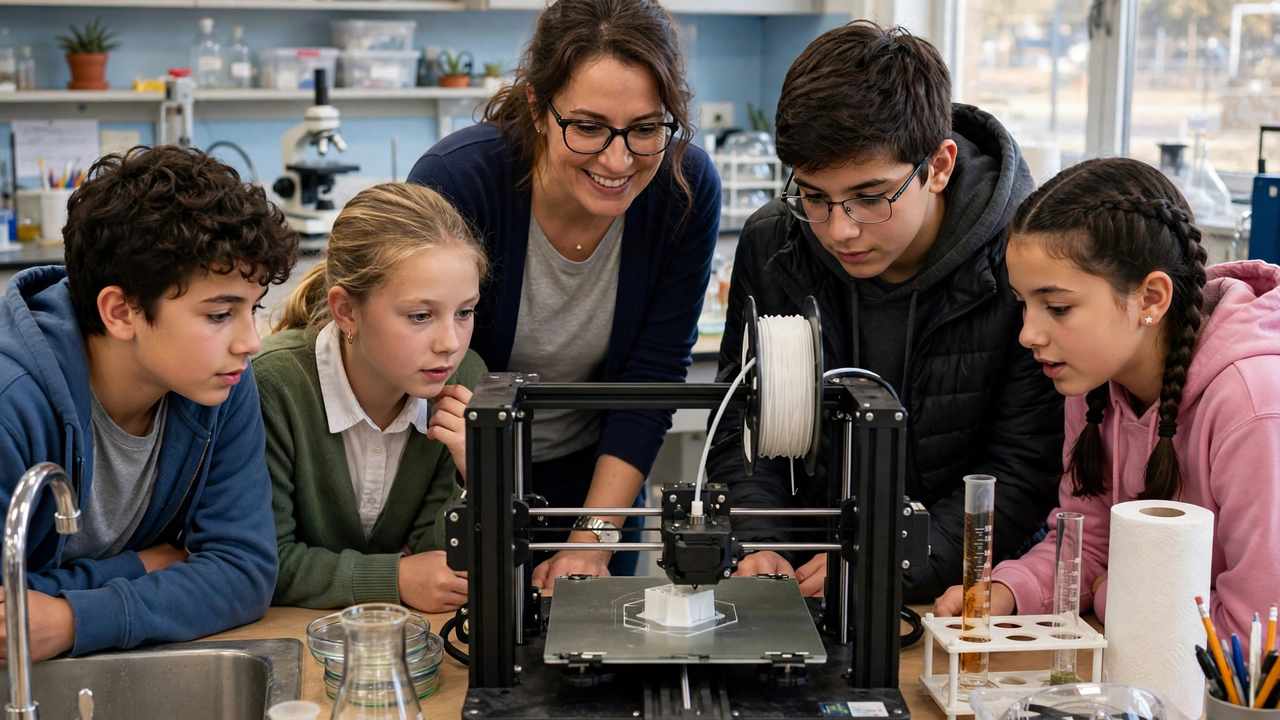
- Supervise actively. Students should never open an enclosure mid-print or touch the machine without the teacher present. A simple rule — “the printer is the teacher’s equipment that students use by booking” — prevents most problems.
- Keep it maintained. A school printer gets heavier use than a home one. Nozzle checks, bed cleaning, and a quick wiring inspection each term keep it safe and reliable. Assign it to the same teacher each year so knowledge doesn’t walk out the door with staff turnover.
- Age-appropriate use. Younger students can design and watch; the physical printer operation — loading filament, removing prints, clearing jams — stays with the teacher or trained senior students.
Lesson ideas across the subjects
Once the printer lives in the school, other faculties will find uses for it — a few proven starting points:
- Maths: print the same object at 50%, 100% and 150% and have students predict — then measure — how volume changes. Cubic scaling becomes visceral.
- Geography: print raised-relief maps of local terrain from freely available elevation data. Contour lines mean something when you can run a finger along them.
- History: print replicas of artefacts — coins, tools, pottery shards. Students handle “the past” without museum insurance worries.
- Science: molecular models, anatomical parts, simple machines with moving printed components. A printed gearbox teaches mechanical advantage better than a diagram.
- Art and Design: jewellery, sculptures, parametric designs where changing one number reshapes the piece — a beautiful entry point to computational thinking.
Start with one cross-curricular project in your first term. Once another faculty sees what the machine can do, the printer stops being “the Technologies department’s toy” and becomes school infrastructure — which is exactly what protects its budget line next year.
Keeping it running: the teacher maintenance roster
School printers die from neglect, not overuse. Put a simple roster on the wall next to the machine:
- Weekly: wipe the build plate with isopropyl alcohol, check filament isn’t tangled, empty any waste bin.
- Monthly: check belt tension, inspect the nozzle for wear (brass nozzles wear out — keep spares), update the firmware and slicer.
- Termly: full mechanical check — wiring, fans, lead screws, enclosure filters. Replace the HEPA/carbon filter per the manufacturer’s schedule.
- Always: keep two spare nozzles, a spare build plate, and a couple of kilos of PLA in the cupboard. A printer waiting on a part is a printer nobody uses.
On funding: day-to-day costs are modest — a kilo of PLA runs $25–$40 AUD and lasts dozens of student projects — but get consumables onto a faculty budget line early rather than paying out of pocket. Many schools cover printers and filament through existing STEM or Technologies budgets; check with your business manager about what’s available in your state. Just make sure any grant or program you apply for is current — education funding changes year to year, so verify before you count on it.
Frequently Asked Questions
How does 3D printing link to the Australian Curriculum?
3D printing sits naturally in Design and Technologies (part of the Technologies learning area in Australian Curriculum Version 9), which expects students to use computer-aided design and manufacture and rapid prototyping to produce and test designed solutions. It also supports Digital Technologies, Maths (scale, measurement), Science (models), Geography (terrain), History (artefacts) and the Arts.
What is the best 3D printer for an Australian classroom?
Look for a fully enclosed printer with air filtration, automatic bed levelling, a camera, and local Australian support. The Bambu Lab P1S ($599 AUD at The Good Guys) and the Flashforge Adventurer 5M Pro (roughly $600–$850 AUD depending on retailer, with built-in HEPA and carbon filtration) are the two standout classroom options in Australia right now.
Is 3D printing safe for school students?
Yes, with the right setup and supervision. Use an enclosed printer, ventilate the room, stick to PLA filament in general classrooms, and keep printer operation (loading filament, clearing jams) as a teacher-supervised activity. Document it all in a standard school risk assessment with your WHS coordinator.
How do you manage one 3D printer with a whole class?
Run a booking queue — a shared spreadsheet or whiteboard where students reserve print slots. Teach students to design small with low infill so prints fit within class periods, appoint a rotating student “print manager” to check files, and run larger prints overnight or on weekends with camera monitoring.
What software should students use to design 3D models?
Tinkercad is the classroom standard: free, browser-based (runs on school Chromebooks with no installs), and easy enough for Year 7 students to produce something printable in one lesson. Older or advanced students can move up to Fusion 360, which is free for education use.
How much does it cost to run a 3D printer in a school?
Very little day to day. A 1 kg spool of PLA costs roughly $25–$40 AUD and produces dozens of student projects. Budget for spare nozzles, an occasional replacement build plate, and enclosure filters per the manufacturer’s schedule. The printer itself is the main cost — $600–$900 AUD for a solid classroom machine.