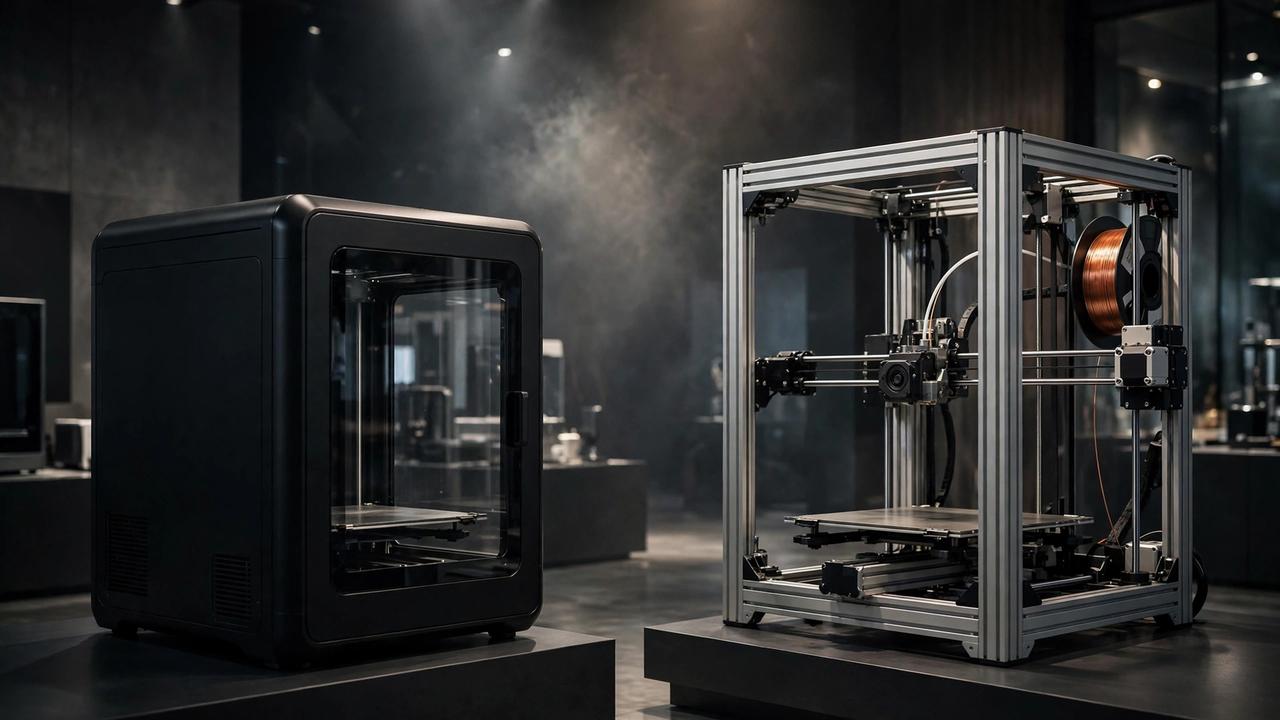
If you’re comparing the Creality K1 vs Bambu Lab P1P for an Australian workshop, this 2026 guide covers real AU prices, specs and print quality.
If you’re shopping for your first — or next — high-speed 3D printer in Australia, the Creality K1 vs Bambu Lab P1P debate is probably already on your radar. These two CoreXY machines kicked off the speed wars, both promising 500mm/s+ printing at prices that undercut everything before them. But they take very different paths to get there, and the right choice for an Australian maker isn’t as obvious as the spec sheets make it look.
I’ve dug through the specs, the real-world reviews, and actual Australian pricing to give you the comparison I wish existed when these printers launched — one written for us, not for the US market. No sponsored talking points, just practical guidance. Let’s get into it.
Creality K1 vs Bambu Lab P1P: Quick Spec Comparison
Before the deep dive, here’s the head-to-head on paper:
- Build volume: P1P 256 × 256 × 256 mm vs K1 220 × 220 × 250 mm — the P1P wins on size
- Max speed: P1P 500 mm/s vs K1 600 mm/s — the K1 wins on paper
- Motion system: Both CoreXY with input shaping and auto bed levelling
- Enclosure: K1 fully enclosed; P1P open frame (enclosure is DIY or third-party)
- Nozzle temp: Both 300°C max
- Multi-colour: P1P supports the mature Bambu AMS; K1’s CFS colour system is newer and less proven
- US pricing: Both have sold around USD $449–$599 depending on sales
- Australian pricing: K1C listed around AUD $685 at PB Tech AU; P1P around AUD $819–$1,069 at local resellers
On specs alone it’s close. The differences that actually matter show up when you start printing.
Build Volume: The P1P’s Quiet Advantage
The Bambu Lab P1P gives you 256 × 256 × 256 mm — roughly 16.8 litres of build space. The Creality K1 offers 220 × 220 × 250 mm, about 12.1 litres. That 36mm difference in X and Y doesn’t sound like much until you’re trying to squeeze a helmet, a large vase, or a batch of parts onto the plate.
For most hobby prints the K1’s volume is fine. But if you regularly print big, the P1P’s extra room means fewer split-and-glue jobs. And if even 256mm isn’t enough, Creality’s answer is the K1 Max at 300 × 300 × 300 mm — though that jumps you into a higher price bracket (around USD $839, roughly AUD $1,000+ landed).
Honest take: build volume is the spec people underestimate most. You don’t notice 36mm until the one print you really care about doesn’t fit.
Creality K1 vs Bambu Lab P1P: Enclosure — the K1’s Biggest Win
This is the single biggest practical difference between the two machines. The Creality K1 ships fully enclosed — door, lid, panels, the lot. The Bambu Lab P1P is an open-frame printer, and Bambu expects you to either print PLA and PETG forever or sort out your own enclosure.
Why does it matter? Materials like ABS and ASA warp badly without a warm, stable chamber. The K1 handles them out of the box. On the P1P, printing ABS means buying or building side panels — doable (the community has excellent printable enclosure mods), but it’s extra money and effort.
There’s a flip side: an enclosed chamber is actually a disadvantage for PLA, which likes cooling. K1 owners often print with the door open or the lid off for PLA. It’s a minor hassle, not a dealbreaker, but worth knowing.
If your heart is set on ABS, ASA, or nylon parts — say, for functional prints that live in a hot Aussie garage — the K1 is the simpler path. If you’re a PLA/PETG person, the P1P’s open frame is a non-issue.
Print quality is where the Creality K1 vs Bambu Lab P1P debate gets interesting — both promise 500mm/s+ speeds, but the out-of-box experience differs.
Print Quality and Out-of-Box Experience
Here’s where Bambu Lab earned its reputation. The P1P is famous for producing excellent prints almost immediately — auto bed levelling, vibration compensation, and well-tuned profiles mean your first print usually looks great. The community consensus is clear: Bambu’s out-of-box experience is the best in the business.
The K1 is good, and its AI-assisted calibration is genuinely clever, but it typically needs more dialling in. Expect to spend your first weekend tuning profiles, especially if you’re chasing the 600mm/s headline speeds. At sane speeds (200–300mm/s) both printers produce lovely parts.
A word on those speed claims: 600mm/s vs 500mm/s sounds decisive, but almost nobody prints at maximum speed for quality parts. Real-world “fast but good” printing on both machines lands in the same ballpark. Don’t buy on the headline number.
If you want a printer that just works while you get on with designing and making, the P1P has the edge. If you enjoy tinkering and tuning — and many makers do — the K1 rewards the effort. For more on squeezing speed out of a tuned machine, see our guide to high-speed printing options.
For multi-colour work, the Creality K1 vs Bambu Lab P1P choice comes down to the AMS versus CFS ecosystems.
Multi-Colour Printing: AMS vs CFS
Want to print in multiple colours or materials in one job? The P1P supports Bambu’s AMS (Automatic Material System) — a mature, well-supported unit that the community has been using for years. It works, the software integration is smooth, and there’s a huge library of multi-colour models on MakerWorld.
Creality’s answer is the CFS (Colour Filament System) for the K1 series. It’s newer, less proven, and the community verdict is still forming. Early adopters report it works but with quirks.
One important TPU note: Bambu’s AMS does not handle flexible TPU — the filament path is too long and constrained. TPU goes on the external spool holder on Bambu machines. The K1 can run TPU through its direct-drive extruder normally. If flexible prints are your thing, our TPU printing guide covers the settings that matter.
Verdict: for multi-colour, the P1P + AMS combo is the safer bet today.
Software Freedom: The Elephant in the Room
This is the part most comparisons gloss over, and for some makers it’s the deciding factor. In 2025, Bambu Lab rolled out “Authorization Control” firmware updates that blocked third-party tools — most notably OrcaSlicer, the open-source slicer many enthusiasts preferred — from talking directly to P and A series printers. Everything got funnelled through Bambu’s own software.
Bambu’s justification was security (they cited tens of millions of unauthorised API requests hitting their servers daily). The community’s response was that there were less restrictive ways to handle it, and that a printer you bought shouldn’t change behaviour via a remote update. Prominent voices in the maker world called it out strongly.
The Creality K1, by contrast, runs open Klipper-based firmware. You can use any slicer you like — OrcaSlicer, PrusaSlicer, Cura — and tinker to your heart’s content. No ecosystem lock-in, no remote behaviour changes.
How much should this matter to you? If you just want to print and don’t care which slicer you use, Bambu Studio is genuinely excellent and you’ll never notice. If software freedom matters to you on principle, or you run a multi-printer farm with custom workflows, the K1’s openness is a real advantage.
Australian Pricing and Where to Buy
Here’s the part US-centric reviews skip. In Australia, you’re typically looking at:
- Creality K1 / K1C: around AUD $685 at PB Tech AU (K1C variant), with the standard K1 often found in the AUD $650–$750 range at local resellers
- Bambu Lab P1P: around AUD $819 at authorised resellers like 3D Printer Superstore (Breakwater, VIC); Bambu has run it as low as ~AUD $569 during anniversary sales
Prices move with sales and stock, so treat these as ballparks and check current listings before buying. A few Australia-specific tips:
- Buy from an authorised AU reseller where possible — warranty claims on a grey import are painful. 3D Printer Superstore is Bambu-authorised; PB Tech stocks Creality locally.
- Both printers are 100–240V, so they’ll run fine on Australian 230V mains — no transformer needed.
- Factor in filament: budget AUD $25–$35 per kilo for decent PLA to start. You’ll chew through it faster than you think at these speeds.
- Check OzBargain before buying — both printers pop up in deals regularly, and the community there is quick to flag the best current AU price.
Which One Should You Actually Buy?
After all that, here’s my honest breakdown:
Buy the Creality K1 if: you want to print ABS, ASA, or carbon-fibre filaments (with a hardened nozzle upgrade); you value open firmware and slicer freedom; you like tinkering; or the enclosed design suits your workspace.
Buy the Bambu Lab P1P if: you want the best out-of-box experience; multi-colour printing with the AMS appeals to you; you mainly print PLA and PETG; or you’d rather be making things than tuning a printer.
There’s no wrong answer here — both are excellent machines that would have seemed like science fiction at this price five years ago. The detailed spec-level comparison at Creality Experts’ K1 vs P1P breakdown is worth a read if you want to go deeper on any single category.
And if you’re still on an older machine wondering whether the speed upgrade is worth it, our Ender 3 V3 KE guide covers what the budget end of the speed spectrum looks like in 2026.
Long-Term Ownership: What Nobody Tells You
Specs fade; ownership doesn’t. After the honeymoon period, a few things separate these printers in day-to-day Australian use.
Noise matters more than you think. Both machines are loud by modern standards — CoreXY printers moving at hundreds of millimetres per second make themselves heard. The P1P is often described as medium-loud; the K1 similar. If your printer lives in a shared space, budget for that reality regardless of which you pick. Neither is a bedroom printer.
Spare parts and community support are excellent for both. Bambu’s parts store ships to Australia, and the K1 benefits from Creality’s enormous ecosystem — nozzles, build plates, and hotend parts are available from multiple AU resellers. In practice, you’ll never struggle to keep either machine running.
Resale value favours Bambu. Check the secondhand market and you’ll notice P1Ps hold their value remarkably well — a testament to the brand’s reputation. K1s depreciate a little faster, which is good news if you’re buying used but worth knowing if you buy new.
Power consumption is modest. Both draw around 350W at peak (the K1 is rated 350W), so even long prints barely dent an Australian power bill — roughly 30–50 cents for a typical multi-hour print at current residential rates. High speed actually helps here: faster prints mean fewer hours of heating.
Whichever you choose, both machines have active Australian user communities on Facebook and Discord where local owners share profiles, troubleshooting tips, and where-to-buy advice. That local knowledge base is worth as much as any spec sheet.
Frequently Asked Questions
Is the Bambu Lab P1P good for beginners in Australia?
Yes — it’s one of the best beginner high-speed printers you can buy. The auto-calibration and polished software mean fewer failed prints while you’re learning. Just buy from an authorised AU reseller so warranty support is local.
Can the P1P print ABS without an enclosure?
Not reliably. ABS needs a warm chamber to prevent warping and layer splitting. You’d need to add side panels or a third-party enclosure to the P1P. The K1 handles ABS out of the box thanks to its full enclosure.
Does the Creality K1 support multi-colour printing?
Yes, via Creality’s CFS (Colour Filament System), but it’s newer and less proven than Bambu’s AMS. If multi-colour is a priority, the P1P + AMS is currently the more mature option.
What is the Bambu Lab firmware controversy?
In 2025 Bambu Lab pushed firmware updates (“Authorization Control”) that blocked third-party software like OrcaSlicer from communicating directly with P and A series printers, requiring Bambu’s own software instead. Bambu cited security; many in the community saw it as ecosystem lock-in. The K1’s open Klipper firmware has no such restrictions.
Where is the cheapest place to buy these printers in Australia?
Check authorised resellers like 3D Printer Superstore (Bambu) and PB Tech (Creality), and watch OzBargain for deals. Prices fluctuate — the P1P has sold anywhere from ~AUD $569 on sale to ~AUD $1,069 at launch pricing.