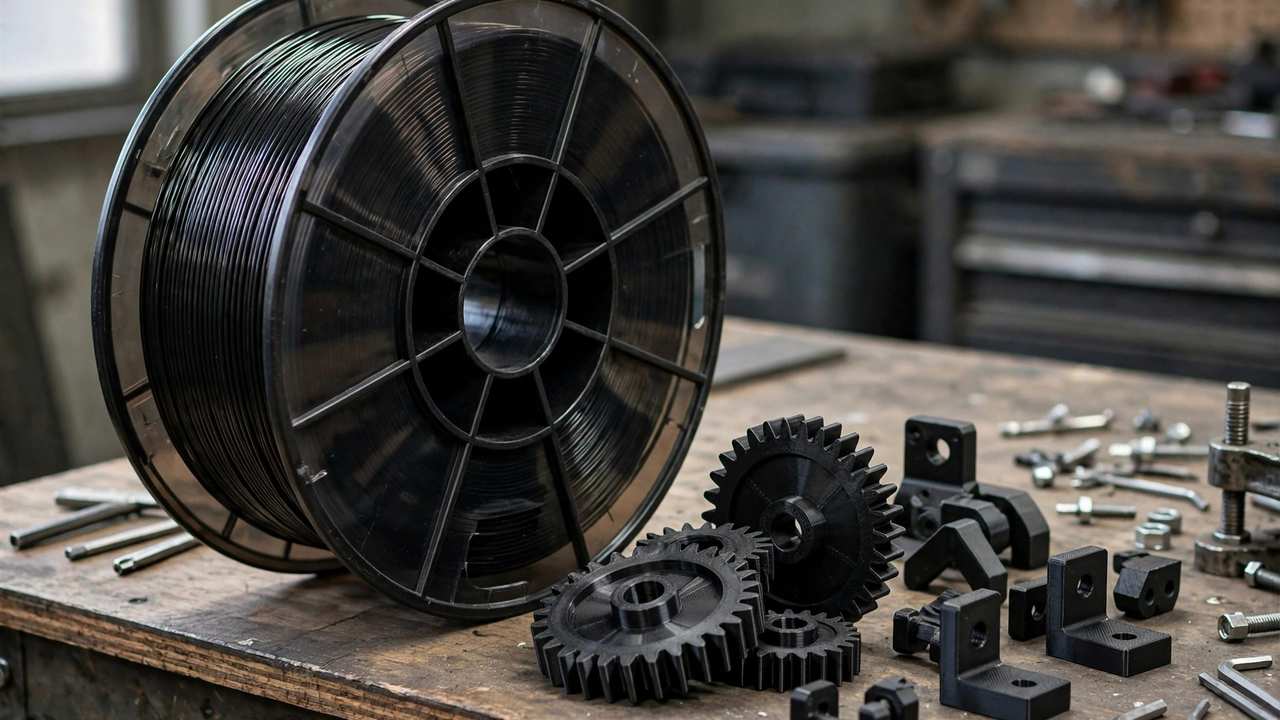
When your prints need to survive real abuse — heat, impacts, outdoor exposure — PLA and PETG start looking fragile. That’s where polycarbonate filament comes in. PC is one of the toughest materials you can run on a desktop FDM printer: the same family of plastic used in bullet-resistant glass, safety helmets, and automotive headlight lenses.
But it’s also one of the trickiest filaments to print well. This guide covers everything: what PC actually is, how it compares to other engineering filaments, exact print settings, the best brands available in Australia, and whether your printer can even handle it.
What Is Polycarbonate Filament?
Polycarbonate is an engineering thermoplastic known for exceptional impact resistance — roughly 20 times that of glass and significantly tougher than ABS. In filament form, it’s sold as pure PC or as PC blends (PC-ABS, PC-PBT) that trade some performance for easier printing.
Key properties that make makers reach for PC:
- Impact strength: Outstanding. PC parts absorb shocks that would shatter PLA or crack ABS.
- Heat resistance: Glass transition around 147°C — far above PLA’s ~60°C and PETG’s ~85°C. PC parts survive engine bays and sun-baked dashboards.
- Flame retardancy: Many PC filaments meet UL94-V2, meaning burning stops within 30 seconds on a vertical specimen. Useful for electrical enclosures.
- Optical clarity: Natural PC can print surprisingly transparent with tuned settings — great for light pipes and lenses.
- Dimensional stability: Low shrinkage (~0.85%, similar to ABS) and excellent creep resistance under sustained load.
PC vs PETG vs ABS vs Nylon: When Does PC Win?
| Property | PLA | PETG | ABS/ASA | PC | Nylon |
|---|---|---|---|---|---|
| Impact strength | Low | Good | Good | Excellent | Excellent |
| Heat resistance | ~60°C | ~85°C | ~105°C | ~147°C | ~180°C+ |
| Ease of printing | Very easy | Easy | Moderate | Hard | Hard |
| Moisture sensitivity | Low | Moderate | Low | High | Very high |
| Typical 1kg price (AUD) | $25–35 | $28–40 | $35–50 | $40–70 | $50–90 |
Choose PC when you need impact toughness plus heat resistance in one material. Nylon beats it on pure toughness and heat, but nylon warps more, absorbs more moisture, and is harder to get dimensionally accurate. PETG is easier but melts in a hot car. PC sits in the sweet spot for functional parts that take a beating.
For a broader comparison of everyday filaments, see our PLA vs PETG vs ABS guide.
Can Your Printer Handle Polycarbonate?
This is the critical question. PC needs serious heat:
- Hot end: 260–300°C. A PTFE-lined hot end maxes out around 260°C and degrades above 250°C — you want an all-metal hot end. This is exactly why printers like the Ender 3 S1 Pro (300°C capable) exist; see our S1 vs S1 Pro comparison for the details.
- Bed: 90–110°C with good adhesion. PEI sheet, glue stick, or PC-specific adhesive.
- Enclosure: Strongly recommended. PC warps and layer-splits in drafts just like ABS. Even a simple lack-table enclosure makes a dramatic difference.
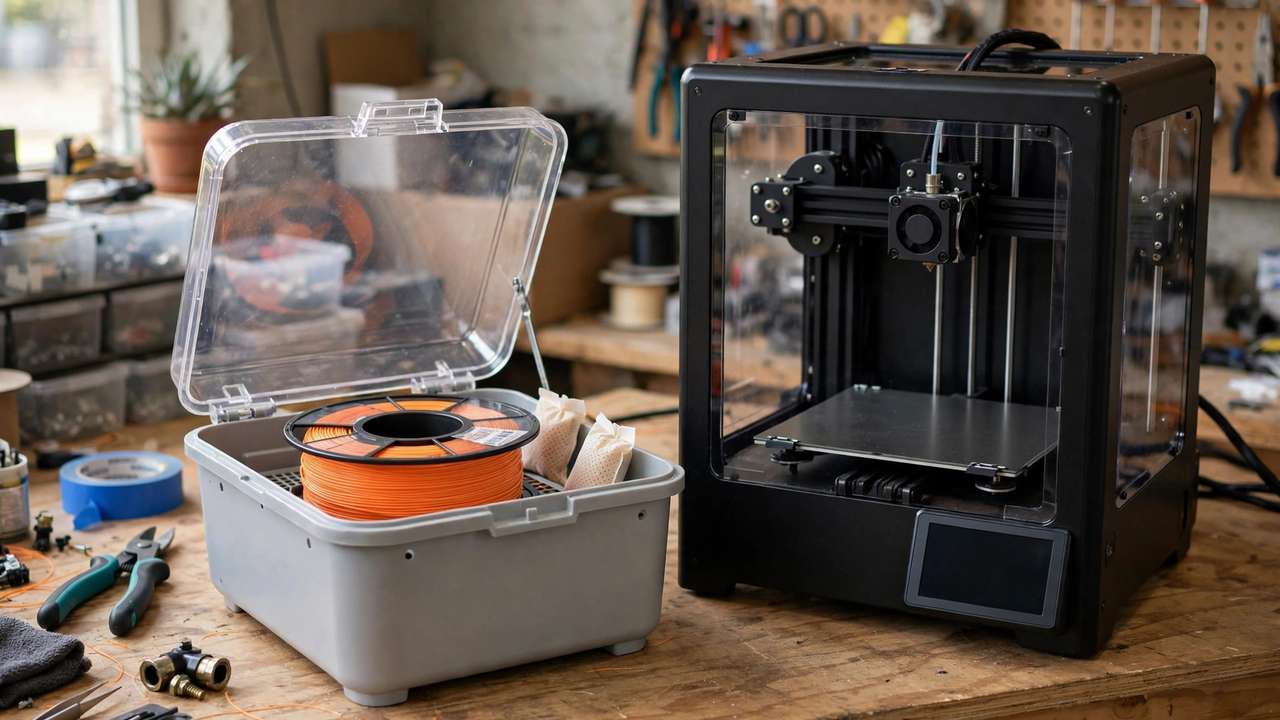
- Dry box: PC absorbs moisture fast. Print from a dry box or actively dried spool — wet PC pops, strings, and loses strength.
If your printer tops out at 260°C with a PTFE liner, stick to PC blends like PC-ABS, which print at 240–260°C and are far more forgiving. Pure PC really wants 270°C+ and an all-metal path.
Print Settings That Actually Work
Starting profiles for pure polycarbonate (tune from here):
- Nozzle temp: 270–290°C (start at 280°C)
- Bed temp: 100–110°C
- Chamber/enclosure temp: As warm as you can get it; 40°C+ helps enormously
- Print speed: 30–50 mm/s — slower than you’re used to; PC needs time to bond
- Cooling fan: 0–30%. Too much cooling causes layer delamination. Start at 0% and add only if overhangs suffer.
- Retraction: Conservative — 3–4mm Bowden, 0.5–1mm direct drive. PC is prone to stringing but also to heat creep with aggressive retraction.
- First layer: Slow (15–20 mm/s), slightly squished, on a hot bed with adhesive.
For eSUN-style PC (rated 235–260°C nozzle, 80–110°C bed), you can run cooler — follow the manufacturer’s datasheet first, then tune. Blends like PC-ABS typically print at 240–260°C nozzle and 90–100°C bed, making them accessible to more printers.
Drying: Non-Negotiable for PC
Polycarbonate is hygroscopic — it pulls moisture from the air within hours of opening. Wet PC prints with popping, bubbling, rough surfaces, and dramatically reduced layer adhesion. In Australia’s humid coastal climate, this is a constant battle.
Dry PC at 65–70°C for 6+ hours before printing, and print directly from a dry box with desiccant if possible. A spool left out overnight in Brisbane humidity can go from perfect to unprintable. Our filament drying guide for Australia covers dryers and dry-box builds in detail.
Best Polycarbonate Filaments in Australia (2026)
Verified options with Australian availability:
- Elegoo PC — around $40 AUD/kg from Elegoo’s Australian store, available in black, white, and transparent. Excellent value entry point into PC printing.
- eSUN ePC — eSUN’s polycarbonate, rated 235–260°C with UL94-V2 flame retardancy. Widely stocked by AU resellers. A good middle ground.
- Polymaker PolyMax PC — Polymaker’s toughened PC formulation, easier to print than generic PC with better layer adhesion. Premium pricing but premium results.
- PC-ABS blends (various brands) — if your printer can’t hit 270°C+, a PC-ABS blend at 240–260°C gives you much of PC’s toughness with ABS-like printability.
Prices move with sales and stock — check 3D Printer Superstore, Aurarum, and Jaycar for current pricing. Expect $40–70 AUD/kg for quality PC.
What to Print with PC
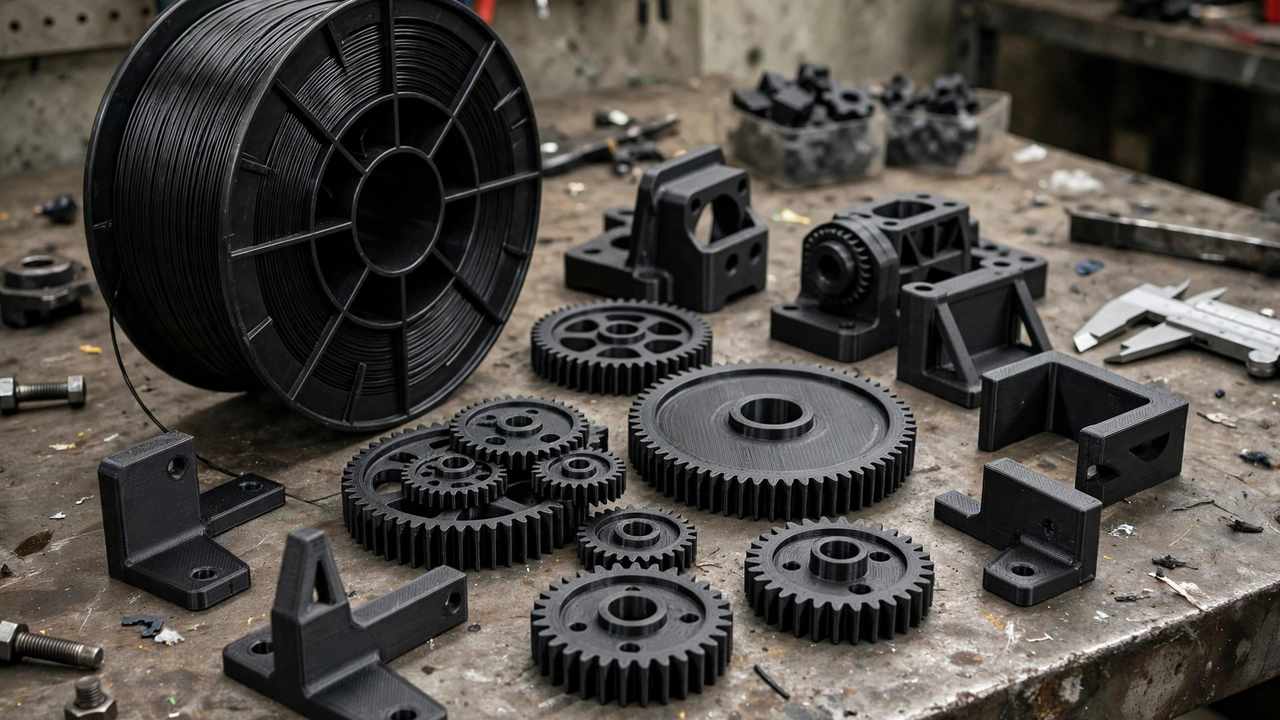
PC earns its keep on functional parts: drone frames and camera mounts, automotive brackets and clips, electrical enclosures, jigs and fixtures that see heat or impact, outdoor sensor housings, and replacement parts for appliances. If a PLA version would crack, melt, or creep under load — that’s a PC job.
Don’t use PC for: decorative prints (overkill and harder to get pretty), anything needing fine detail at high speed (nylon or resin may serve better), or prints where you can’t dry the filament properly.
Safety Notes
PC prints at high temperatures and can release ultrafine particles and VOCs like any thermoplastic. Print in a ventilated space or vented enclosure — don’t run 280°C prints in a sealed bedroom. The flame-retardant properties are a plus for electrical parts, but they don’t make the printing process emission-free.
PC-CF: Carbon Fibre Reinforced Polycarbonate
PC-CF takes polycarbonate and adds chopped carbon fibre — typically 10–20% by weight. The result is stiffer, more dimensionally stable (the fibres dramatically reduce warping), and even more impressive on a spec sheet. It prints easier than pure PC in one important way: significantly less warping, often without an enclosure.
The trade-offs: you need a hardened steel or ruby nozzle (carbon fibre eats brass nozzles in hours), layer adhesion is slightly lower than pure PC, and it costs more ($60–100 AUD/kg). For structural brackets and drone frames, PC-CF is arguably the best desktop-printable material available. Just budget for nozzle wear — a $15 hardened nozzle per few spools.
Troubleshooting PC Prints
- Warping/lifting corners: Enclosure too cold, bed too cool, or first layer too fast. Raise bed to 110°C, slow the first layer to 15 mm/s, add a brim, and kill any drafts.
- Layer delamination: Almost always too much part cooling or too low nozzle temp. Drop the fan to 0%, raise nozzle 5–10°C, and slow down to give layers time to bond.
- Stringing: PC strings. Dry the filament (wet PC strings far worse), tune retraction, and consider slightly lower nozzle temp if strength allows.
- Popping/sizzling: Wet filament, full stop. Dry at 65–70°C for 6+ hours. If it still pops, dry longer — PC holds moisture stubbornly.
- Poor first-layer adhesion: PEI + glue stick or PC-specific adhesive (Magigoo PC is formulated for exactly this). Clean the bed with isopropyl between prints; PC hates contaminated surfaces.
- Clogs: Usually heat creep from excessive retraction. Reduce retraction distance and ensure the hotend fan runs at 100%.
Post-Processing Polycarbonate
PC sands and finishes well — better than PETG, which tends to gum up sandpaper. Wet-sand from 220 to 2000 grit for optical clarity on transparent PC. It vapour-smooths poorly (unlike ABS with acetone), so mechanical finishing is the way.
For painting: standard plastic primers adhere well after a light scuff sand. PC’s heat resistance means painted parts survive environments that would bubble paint on PLA. Threaded inserts (heat-set) work beautifully in PC — the material’s high softening point means inserts seat firmly without the surrounding plastic going gummy.
PC Blends: The Pragmatic Middle Ground
If pure PC intimidates you, blends deserve a serious look:
- PC-ABS: The most common blend. Prints at 240–260°C (accessible to PTFE-lined hot ends at the top of their range, comfortable for all-metal), warps less than pure PC, and retains much of the toughness. The workhorse engineering filament.
- PC-PBT: Better chemical resistance than PC-ABS, popular for automotive-adjacent parts. Similar print temperatures.
- PC-FR (flame retardant): Enhanced UL94-V0 ratings for electrical enclosures that must meet stricter fire codes.
Blends sacrifice some heat resistance and ultimate strength versus pure PC, but for 80% of functional applications they’re the rational choice — especially if your printer can’t sustain 280°C+.
PC in the Australian Climate: Special Considerations
Australia’s climate makes PC both more necessary and more challenging than in cooler countries:
- Why you need it: A black PLA part on a car dashboard in a Perth summer sees 80°C+ — instant deformation. PC’s 147°C glass transition laughs at conditions that destroy PLA and soften PETG. For automotive, outdoor, and shed-kept parts, PC isn’t luxury, it’s requirement.
- The humidity battle: Coastal Australia (Brisbane, Sydney, Darwin) means PC goes from dry to unprintable in a single day out of the dryer. A dry box isn’t optional here — it’s part of the printer. Budget $50–80 AUD for a proper dry box setup alongside your first PC spool.
- Enclosure in summer: An enclosure in a 35°C garage can hit 50°C+ chamber temps passively — actually helpful for PC. In winter, the same enclosure struggles. Seasonal tuning is real: you may need different profiles for January and July.
- UV exposure: PC has decent inherent UV resistance, but for permanent outdoor parts, ASA or PC-ASA blends outlast pure PC in direct sun. Match the material to the exposure.
Storing PC Filament: The Dry Box Setup
A proper PC storage setup has three layers. Active printing: print directly from a dry box — a sealed tub with a PTFE outlet, desiccant, and optionally a low-wattage heater or dehumidifier rod. Short-term storage: sealed bags with fresh desiccant and a humidity indicator card; recharge the desiccant when the card reads above 30%. Long-term: vacuum bags with desiccant, stored cool and dark.
Test dryness with the “snap test”: bend a length of filament. Dry PC snaps cleanly with a sharp crack; moist PC bends and stretches. It’s crude but surprisingly reliable, and faster than printing a test piece to discover your spool went soft overnight.
One last consideration: PC rewards patience like no other filament. Your first spool will likely produce failures — that’s tuition, not waste. Keep notes on what worked (temperatures, speeds, drying times) because PC has a narrow sweet spot that varies by brand. Once you’ve dialled in a profile for your specific spool and printer, save it and guard it. Consistency is everything with this material.
Frequently Asked Questions
What temperature do you print polycarbonate filament?
Pure PC: 270–290°C nozzle, 100–110°C bed, in an enclosure. PC blends like PC-ABS print cooler at 240–260°C nozzle and 90–100°C bed. Always dry the spool first.
Is polycarbonate stronger than PETG?
Yes, significantly — especially for impact resistance and heat tolerance. PC’s glass transition is ~147°C vs PETG’s ~85°C, and its impact strength is in a different league. PETG wins on ease of printing.
Can an Ender 3 print polycarbonate?
A stock Ender 3 with PTFE-lined hot end cannot safely print pure PC (needs 270°C+). An Ender 3 with an all-metal hot end upgrade and enclosure can. The Ender 3 S1 Pro handles PC out of the box with its 300°C all-metal hot end.
Does polycarbonate filament need an enclosure?
Strongly recommended. PC warps and delaminates in drafts like ABS. Even a basic enclosure dramatically improves success rates.
How do you dry polycarbonate filament?
Dry at 65–70°C for 6+ hours in a filament dryer, and print from a dry box with desiccant. PC absorbs moisture within hours in humid climates.
Printing flexible parts instead? See our TPU filament guide — and remember that extruder choice matters for flexibles, covered in our direct drive vs Bowden guide.