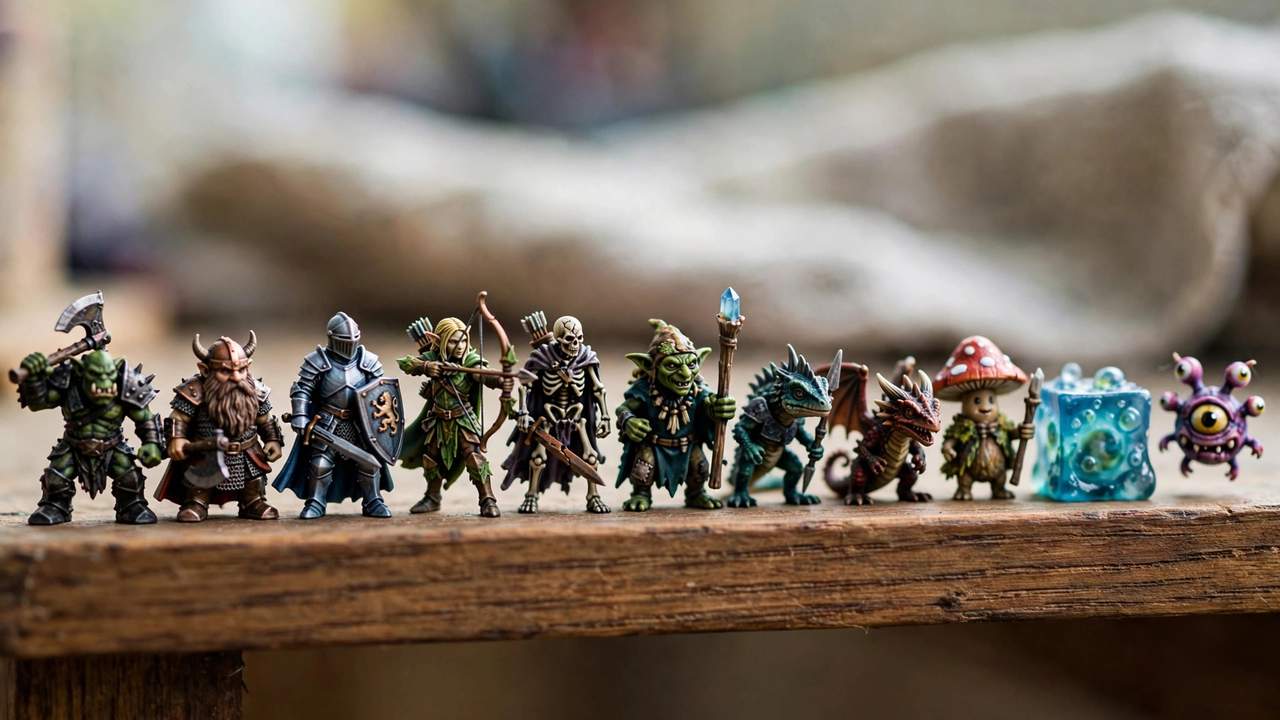
This best 3D printer miniatures guide compares resin and FDM options for tabletop gaming in 2026.
If you’ve ever held a resin-printed 28mm miniature next to an FDM-printed one, you know the answer. The chainmail reads. The face has eyes. The runes on the shield are legible. When it comes to the best 3D printer for miniatures, the gap isn’t subtle — it’s the difference between a miniature that looks store-bought and one that looks like a science experiment.
But most buyer’s guides skip the parts that decide your purchase: what you’re actually printing, how much ventilation you have, and what you can realistically buy in Australia. This guide covers the honest resin-versus-FDM comparison, the entry-level resin printers worth your money right now, the specs that genuinely matter, and the resin safety setup that isn’t optional. Every price is in AUD, with Australian availability front and centre.
Why the Best 3D Printer for Miniatures Is (Almost) Always a Resin Printer
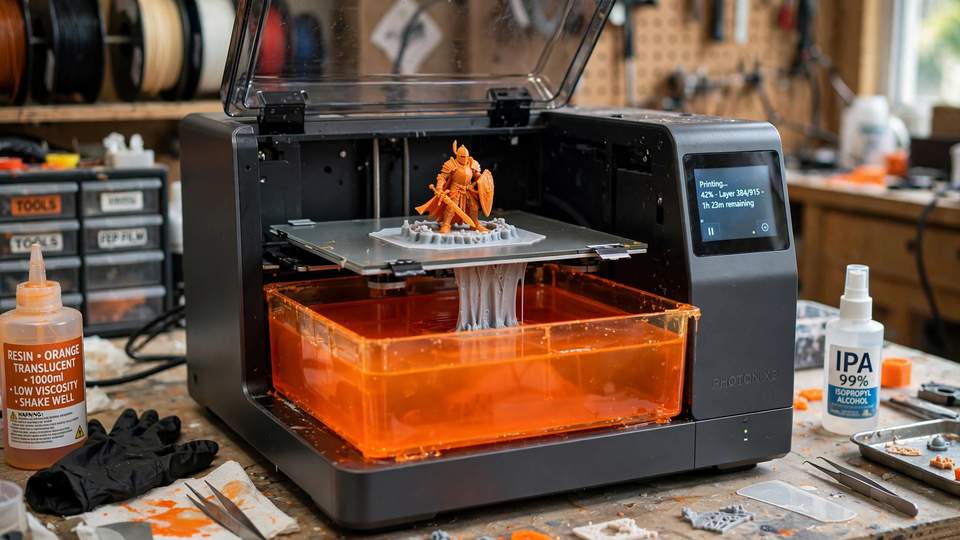
Resin printers (MSLA machines, technically — masked stereolithography) cure liquid photopolymer resin one layer at a time with UV light shining through an LCD screen. Each pixel of that screen is a dot of cured plastic. On entry-level machines today, those pixels are 17 to 35 microns across. A human hair is roughly 70 microns wide, so we’re talking about detail at half the width of a hair. That’s why a resin miniature’s face, fingers and weapon engravings come out crisp: the machine is drawing the model at a resolution your eyes can’t fully resolve.
FDM printers melt filament through a hot nozzle — typically 0.4mm wide, with layers of 0.12 to 0.3mm. That’s 400 microns per line against resin’s 18-micron pixels. Even with a 0.2mm nozzle and 0.08mm layers, FDM fights physics: curved surfaces show layer lines, and sword tips, horns and fingers come out blobby. Sanding and priming helps at arm’s length, but next to a resin print the difference is immediate.
So why “almost”? FDM still earns its place in tabletop gaming — just not for the miniatures themselves. More on the sensible hybrid setup below.
Best 3D Printer Miniatures: The Specs That Actually Matter
Printer marketing loves big numbers: 9K! 10K! 14K! Here’s what those numbers actually mean, and what you should look at instead.
XY resolution beats the “K” rating
The “K” number is just the LCD’s pixel count. What determines detail is pixel size — the XY resolution in microns (µm). A 9K screen on a small 7-inch panel has tighter pixels than a 12K screen stretched across a 10-inch panel. This is the single most misunderstood spec in resin printing.
- 17–25µm: exceptional — faces, fabric texture and tiny text all resolve beautifully.
- 25–35µm: excellent — the sweet spot for current entry-level printers, and honestly all most painters need.
- 35–50µm: good — fine for gaming-quality minis, noticeably softer on the finest detail.
The upshot: today’s AUD 300–600 entry printers deliver pixel sizes in the high teens to mid-thirties — detail that cost four figures a few years ago.
Build volume: how many minis per batch
Entry resin printers typically offer a plate around 140–155mm long and 75–90mm wide, with 165–175mm of height — room to batch half a dozen 28mm infantry models in one print. Height matters: a 75mm boss monster or bust needs the Z-axis headroom, so don’t buy the smallest machine if you plan big centrepieces.
Layer height and speed
Most entry machines print layers between 0.01 and 0.2mm; for miniatures, 0.03–0.05mm is the usual choice — smooth surfaces without marathon print times. Speed ratings like “150mm/h” are maximums on fast resins at chunky layers; real miniature prints run slower, and that’s fine. For minis, detail wins.
The stuff that quietly matters: light source and release
Two less-hyped features separate a pleasant printer from a frustrating one: an even COB matrix light source (fewer warped bases) and a gentle release mechanism like the tilting vats on newer machines (fewer failed prints, longer-lasting FEP film). Similar screens? Pick the better light engine.
Best 3D Printer Miniatures: 2026 Entry-Level Picks
These are the machines I’d actually recommend to an Australian gamer starting out — all verified as currently sold with Australian shipping, with prices in AUD as listed by the manufacturers’ Australian stores (always check current pricing; resin printer prices move with sales constantly).
Elegoo Mars 5 Ultra — the beginner-friendly pick
If you want the easiest possible entry into resin miniatures, this is the one. The Mars 5 Ultra runs a 7-inch 9K mono LCD (8520 × 4320) with an XY resolution of 18 × 18µm — superb for 28mm faces, chainmail and shield detail. Build volume is 153 × 78 × 165mm, it prints at up to 150mm/h, and layer heights run from 0.01 to 0.2mm.
What sets it apart is everything around the print: one-click automatic levelling, an AI camera watching for warping, tilt-release technology, Wi-Fi transfer, and a 93-day ChituBox Pro licence. It’s listed at AUD 599 on Elegoo’s Australian store, which ships within Australia in 3–7 workdays for in-stock items.
The honest downside: the build plate is compact, so batch printing an entire warband takes a few cycles, and 165mm of height rules out the biggest centrepiece models in one piece. For one or two minis at a time — which is how most painters work — it’s ideal.
Elegoo Mars 4 and Mars 4 Ultra — the value picks
The Mars 4 shares the same 7-inch 9K screen and 18µm XY resolution, with a slightly taller 175mm build volume, at just AUD 299 on Elegoo AU. The Mars 4 Ultra adds 150mm/h printing, 4-point levelling and Wi-Fi for AUD 325. The Mars 4 is the “detail per dollar” pick — the same 18-micron pixels for roughly half the money, with a bit more manual setup.
Anycubic Photon Mono 2 — the proven budget workhorse
The Photon Mono 2 has been the default “my first resin printer” for years, and it’s still a sensible buy. Its 6.6-inch 4K screen (4096 × 2560) gives 34µm XY resolution over a 143 × 89 × 165mm build volume — a touch softer than the 9K machines on the finest detail, but genuinely good for gaming-quality miniatures. It typically sells around USD 200–230, usually landing well under AUD 400 — check current pricing. For table-bound minis on a tight budget, this is where the money goes furthest.
Anycubic Photon Mono 4 — 10K detail at entry money
Anycubic’s answer to the “K wars” is the Photon Mono 4: a 7-inch 10K screen (9024 × 5120) delivering 17 × 17µm XY resolution — the finest pixels in this list, roughly double the Mono 2’s precision per Anycubic, with a LightTurbo matrix light source for more even curing. Pricing has been aggressive (seen around USD 169 on promotion), so check current pricing — on a good sale this is the sharpest detail-per-dollar in the entry class. The Mono 4 Ultra adds 120mm/h printing and ACF release film for speed.
For the best 3D printer miniatures results, a 4K mono resin printer is the sweet spot for price versus detail.
FDM Still Has a Job: Terrain, Props and Big Pieces
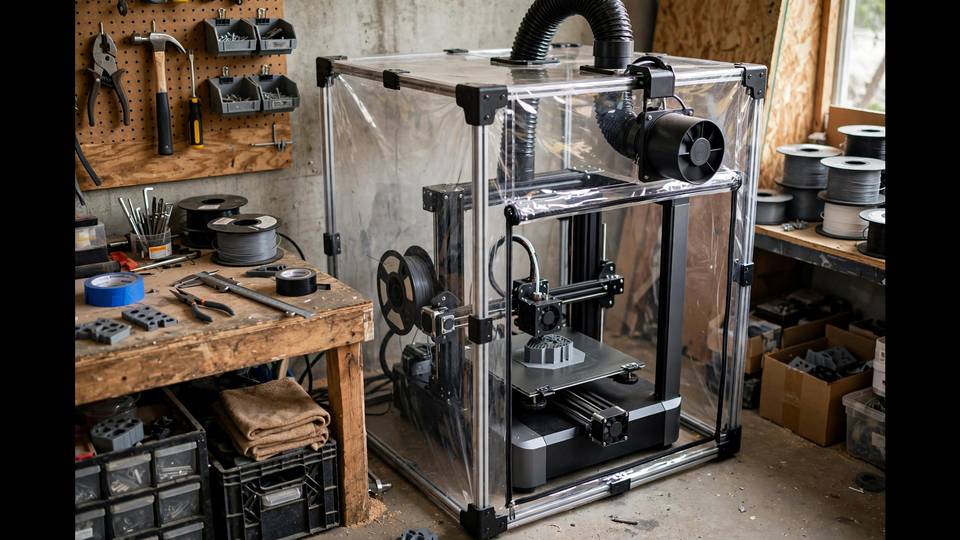
Here’s the hybrid setup most Australian tabletop gamers eventually land on: resin for the miniatures, FDM for everything big. Terrain tiles, dungeon walls, scatter scenery, dice towers, storage inserts and display stands are all better on FDM. They’re larger than a resin build plate, they need to survive being knocked off a table, and resin is brittle and expensive per gram by comparison.
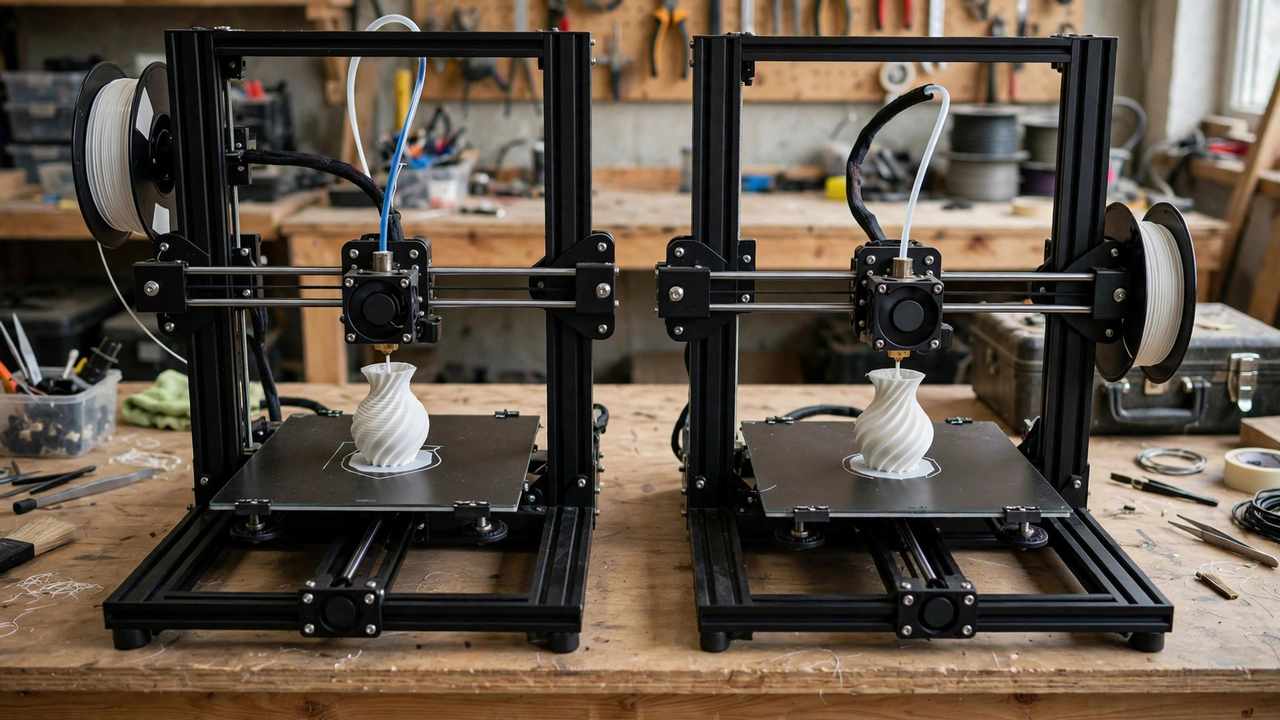
A budget FDM machine in the AUD 300–500 range handles terrain beautifully — layer lines vanish on a primed, drybrushed stone wall. Our guide to the best budget 3D printer for home use covers the FDM side, multicolour FDM printers suit paint-free terrain, and our Cura slicer setup guide covers the settings that matter.
So the real answer to “best 3D printer for miniatures” is: a resin printer for the minis themselves, and an FDM printer for the world they fight in. If you can only buy one machine and miniatures are the priority, buy resin.
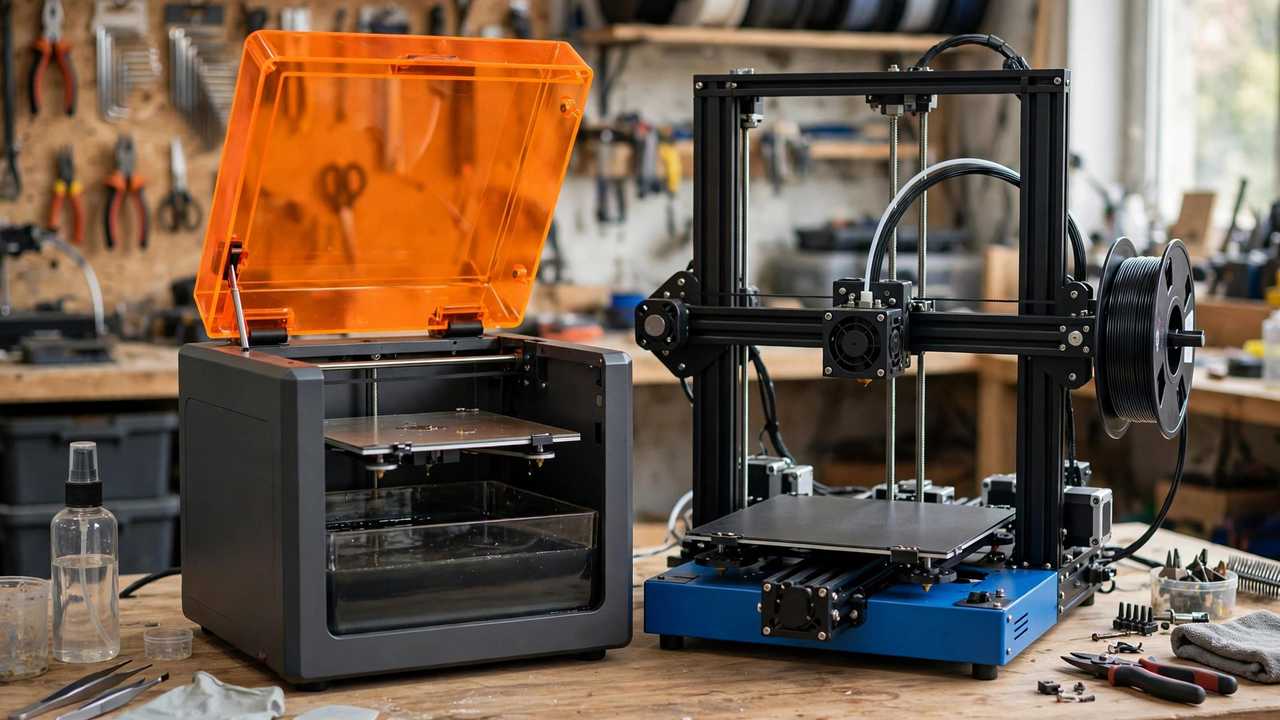
Wash and cure stations complete any best 3D printer miniatures setup — don’t skip them.
Resin Safety Is Part of the Hobby, Not Optional
This is the section some guides bury at the bottom. It belongs in the buying decision, because it affects where you can put the printer and what the real startup cost is.
Uncured photopolymer resin is a skin and respiratory irritant, and it’s toxic to aquatic life. Treat it with the same respect you’d give any workshop chemical:
- Ventilation first. Print in a ventilated space — a garage, shed, or room with open windows and airflow. Many Australian makers print in the garage and post-process outdoors. If the printer lives in a living space, a respirator with organic vapour filters is strongly recommended.
- Nitrile gloves, always. Latex degrades in contact with resin and IPA; nitrile is the standard. Wear them for every step: pouring, removing prints, washing, support removal.
- Wash, then cure. Prints come off the plate coated in uncured resin. Wash in isopropyl alcohol (IPA) — a simple pickle-jar wash works, or a wash-and-cure station if you print often — then dry fully and cure under UV (Australian sunlight works; a curing station is faster). Only handle prints bare-handed after curing.
- Never pour resin or IPA down the drain. Used IPA can be left in sunlight to cure the dissolved resin, then filtered and reused; the cured residue goes in general waste. Spills get wiped with paper towel, cured under UV, and binned.
- Keep it away from kids and pets, and store resin bottles sealed, upright and out of sunlight.
Budget roughly AUD 100–150 on top of the printer for the basics: nitrile gloves, a respirator or small ventilation setup, a few litres of IPA, paper towels, and a UV lamp if you don’t want to rely on the sun. Water-washable resins skip the IPA step, but most experienced miniature printers still prefer standard resin washed in IPA — it preserves fine detail better.
Where Australians Actually Buy Resin Printers and Resin
Both Elegoo and Anycubic run Australian storefronts that ship domestically — Elegoo’s AU store quotes 3–7 workdays for in-stock printers, which beats waiting on international shipping and dodges the customs lottery. That’s the simplest path to a printer with local warranty support.
For resin itself, 1kg bottles of standard grey (the miniature painter’s default — grey shows detail best under primer) typically run AUD 40–60 at Australian retailers; check current pricing. Hobby electronics chains such as Jaycar stock 3D-printing supplies in-store across Australia — handy when you run out mid-project. Specialist Australian 3D-printing retailers carry the full range, including tougher ABS-like resins worth trying for gaming pieces that get handled.
One practical tip: buy your first bottle of resin with the printer. Nothing kills unboxing day like a printer with nothing to print with, and bundled resin is often discounted.
Best 3D Printer for Miniatures: The Verdict
For most Australian tabletop gamers in 2026, the Elegoo Mars 5 Ultra is the best 3D printer for miniatures if you value a painless start — 18-micron detail, auto-levelling and failure detection at AUD 599. If you’d rather spend the difference on resin and a wash-and-cure station, the Mars 4 at AUD 299 gives the same 18µm pixels for half the money. On a tight budget, the Anycubic Photon Mono 2 remains the cheapest credible path to good-looking minis.
Two rules matter more than the spec sheet: ventilate properly and never skip safety gear, and dial in exposure on a single test mini before committing to a warband. Your table will never look the same.
Miniature 3D Printing FAQs
Is resin or FDM better for miniatures?
Resin, by a wide margin. Resin printers cure at 17–35 microns per pixel while FDM nozzles are typically 0.4mm wide, so resin captures faces, weapons and fine textures that FDM physically cannot. FDM is better for large terrain pieces, props and anything that needs to survive being dropped.
What XY resolution do I need for 28mm miniatures?
Anything at 35µm or finer produces excellent gaming-quality miniatures. Current entry-level printers deliver 17–34µm, which is more than enough — going finer than about 20µm gives diminishing returns unless you’re painting competition pieces.
Is resin 3D printing safe at home?
Yes, with proper precautions: print in a ventilated area, wear nitrile gloves for all resin handling, use a respirator if the printer is in a living space, wash prints in IPA and UV-cure them before bare handling, and never pour resin or IPA down drains.
How much does it cost to start resin printing miniatures in Australia?
An entry resin printer runs AUD 300–600 from Australian stores, plus roughly AUD 100–150 for safety and post-processing gear (gloves, respirator/ventilation, IPA, UV curing) and AUD 40–60 per kilo of resin. All-up, budget around AUD 500–800 to be printing minis.
Can I print miniatures on the FDM printer I already own?
You can, and for chunky monsters and terrain-adjacent pieces the results are acceptable — use a 0.2mm nozzle, 0.08–0.12mm layers and slow speeds. But for 28mm humanoids with faces and fine detail, FDM will always look soft next to resin. Most gamers who try both keep the FDM machine for terrain.